
Lavagna: Listening Test Maker
Dialogue to two-voice text to speech audio, plus an A4 worksheet with a key
Join the tester group first, then opt in and install the app from Google Play.
Screenshots
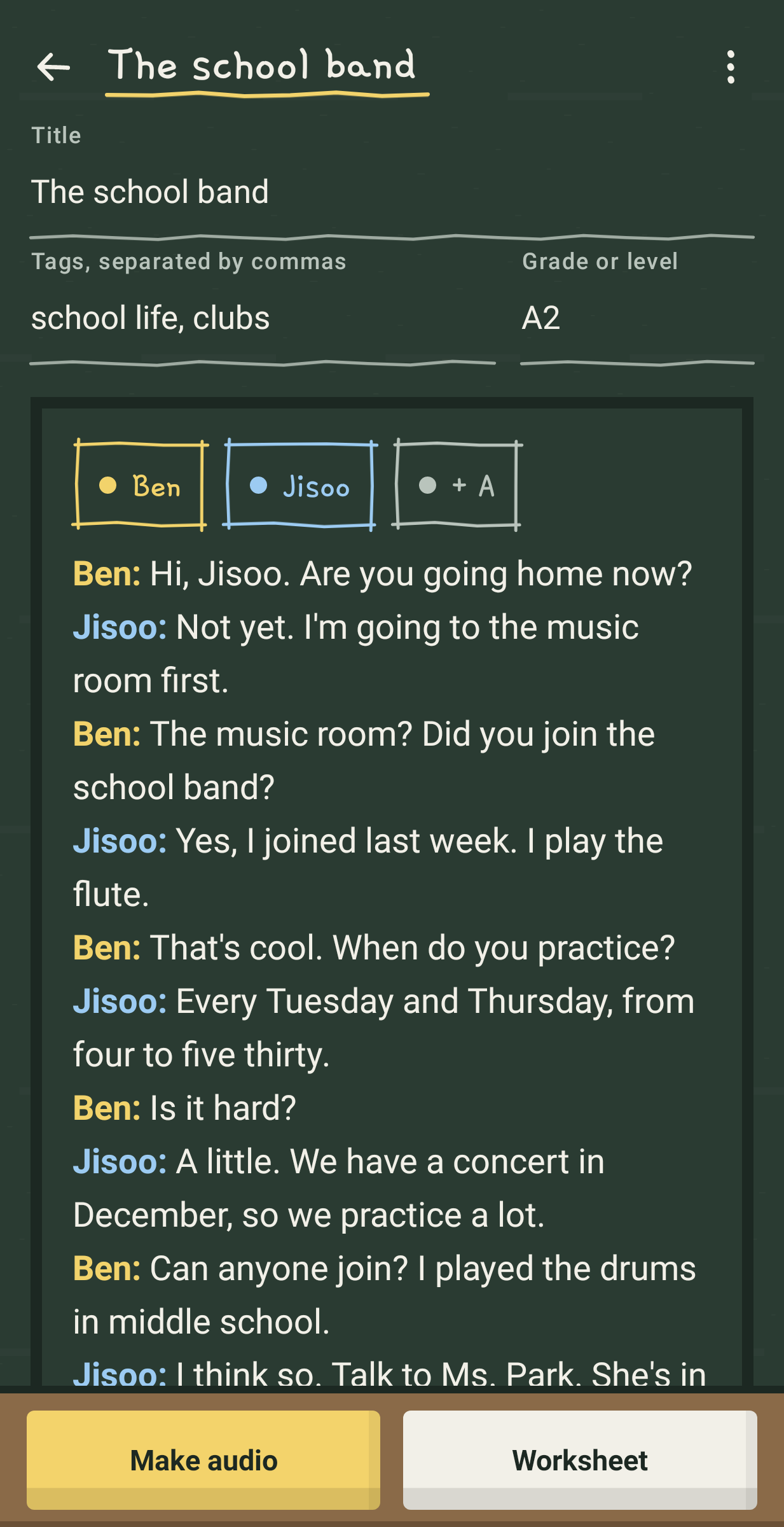
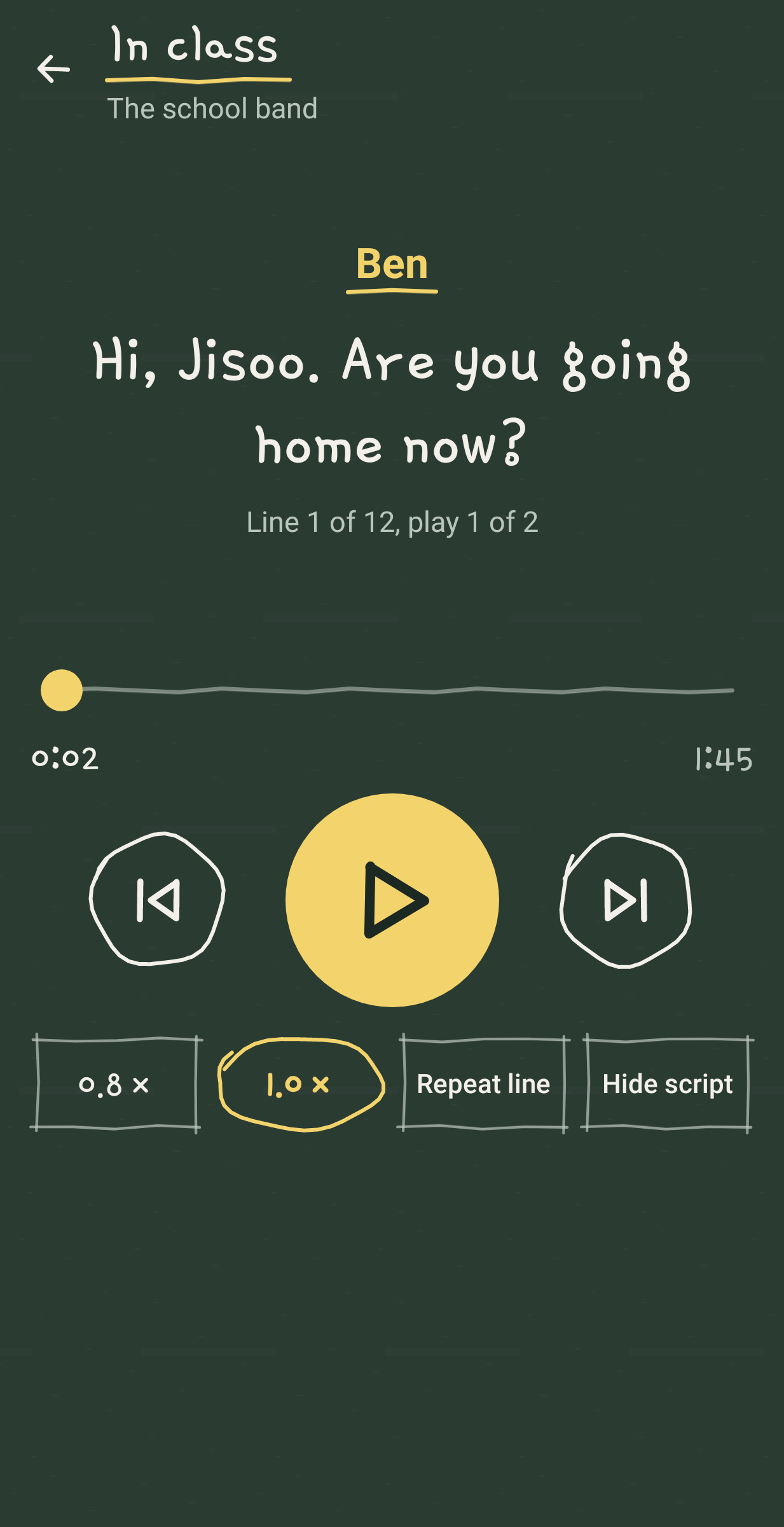
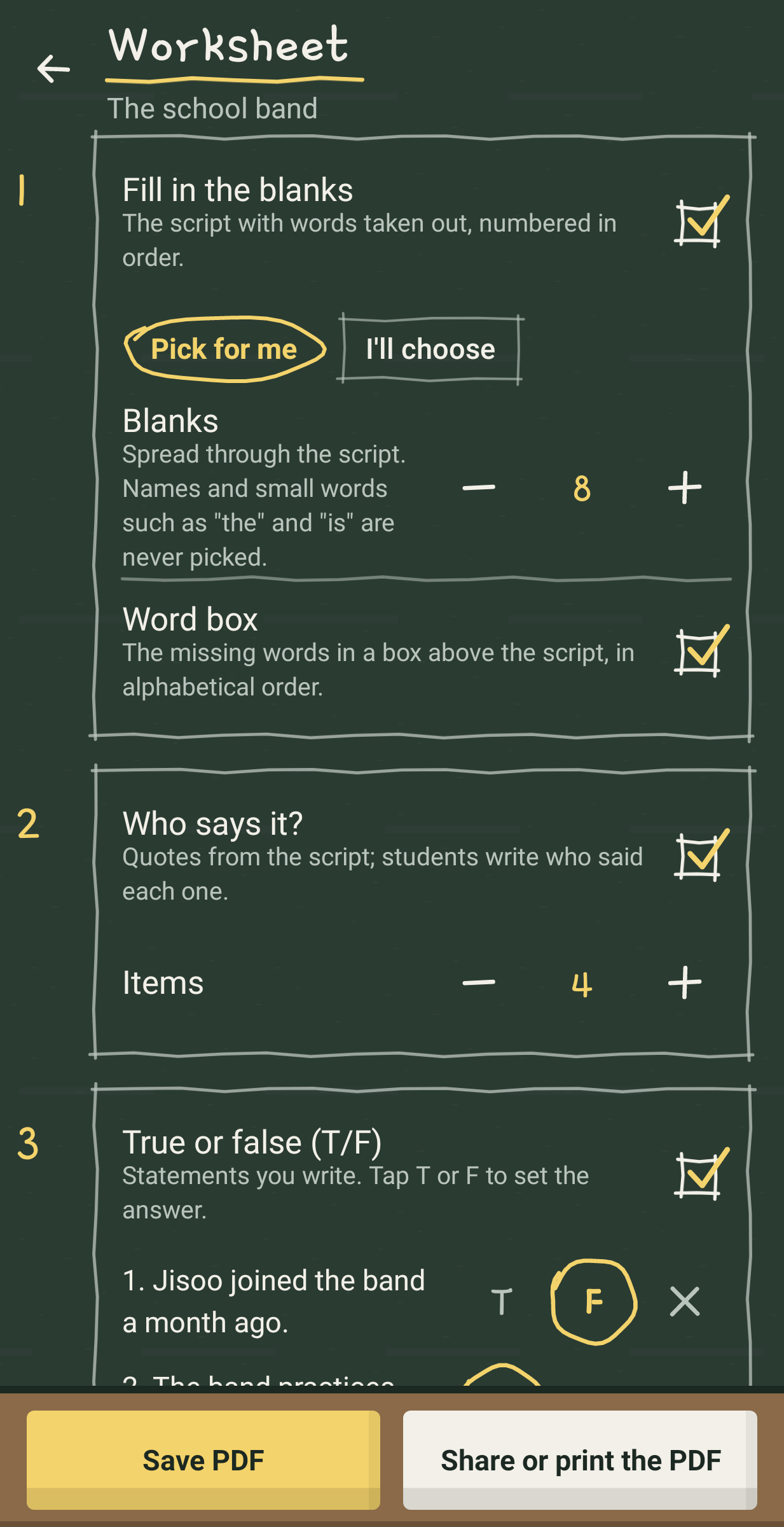
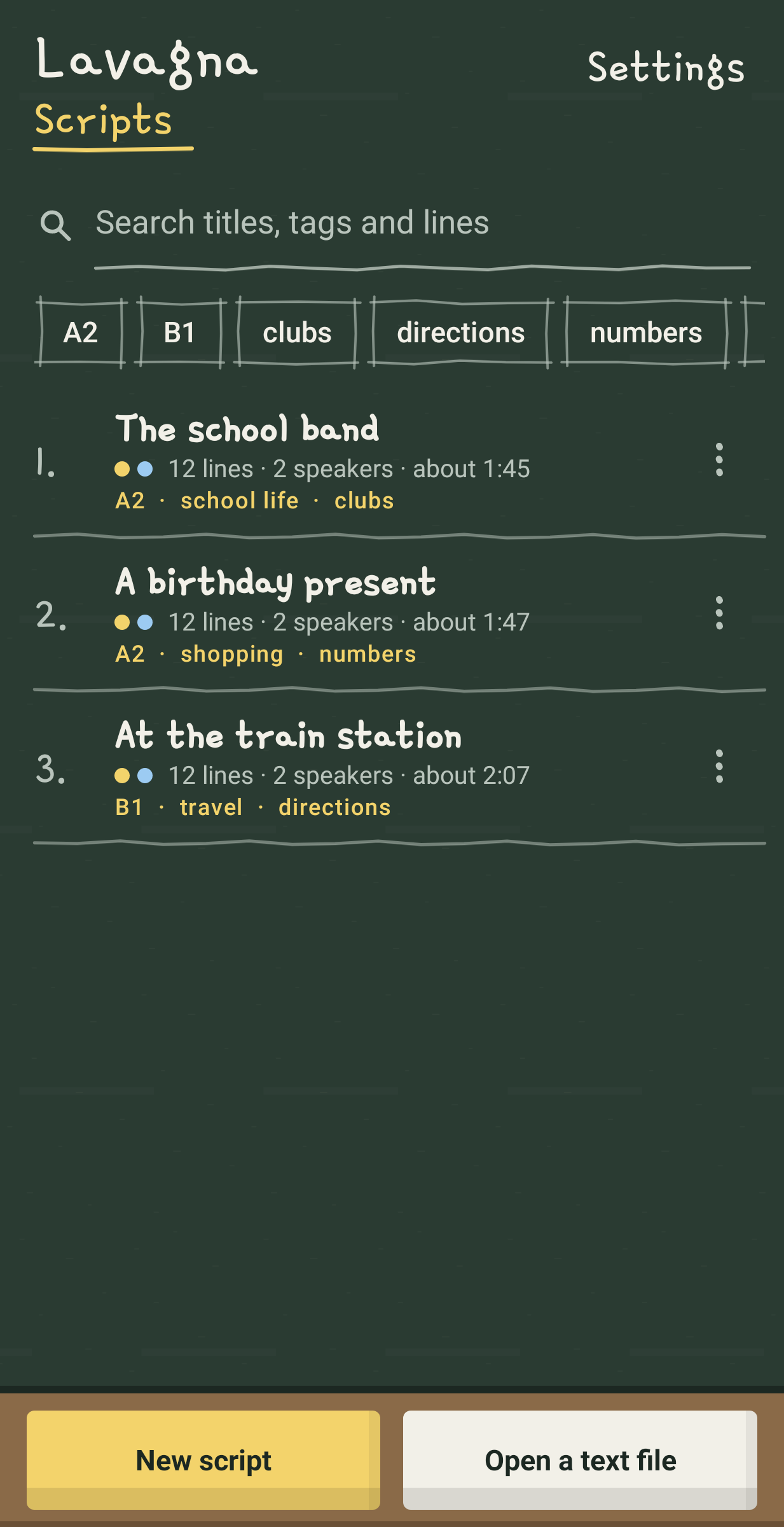
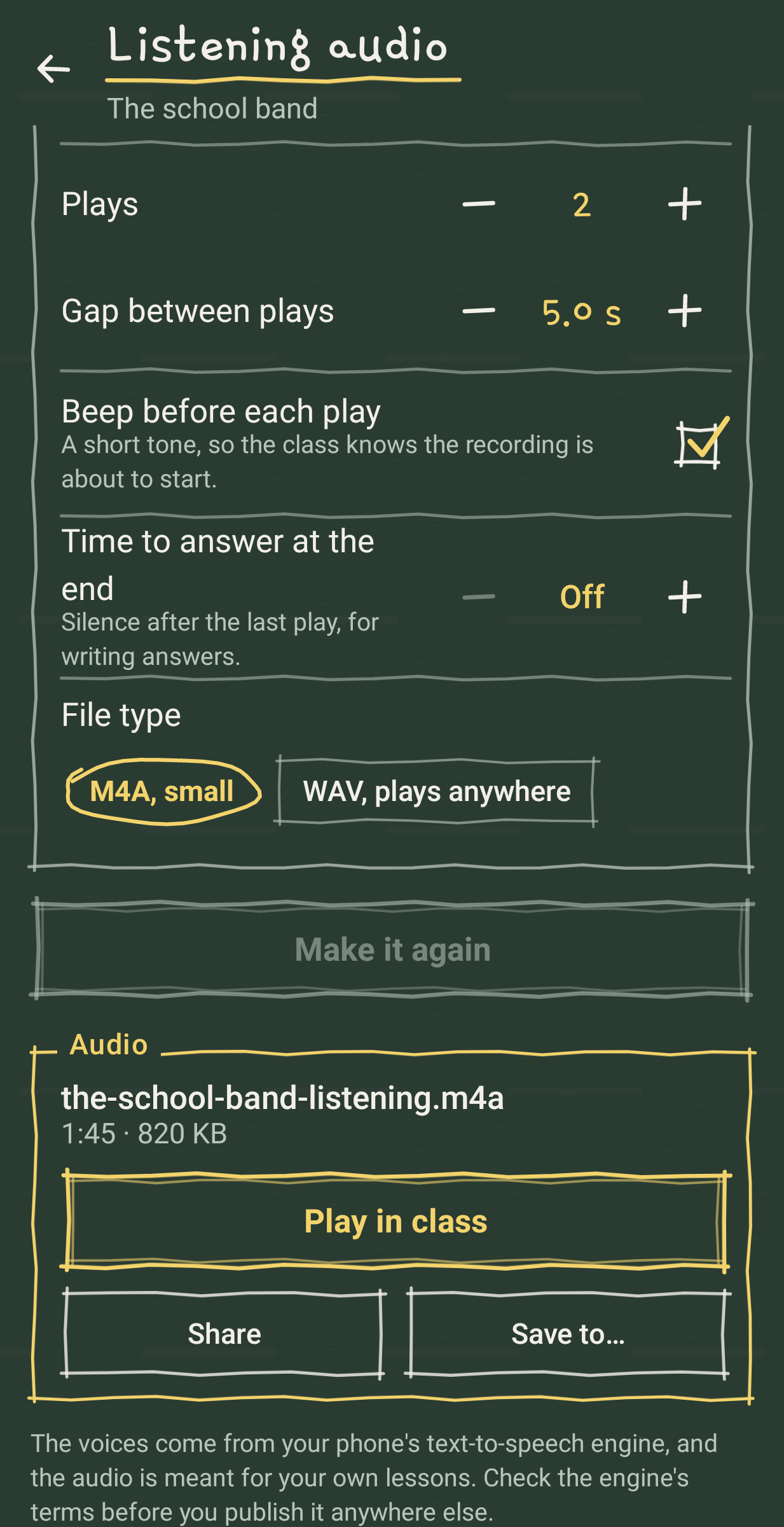
Lavagna is Italian for blackboard. It is for English teachers who write their own dialogues and need them as a listening track and a printed sheet by the next lesson.
One short listening task can take an evening and four tools, from typing the script and finding two different voices to cutting and joining the audio on a computer and laying out a gap-fill in a word processor. Here the script is the only thing you write. The audio and the sheet come from it, on the phone, with no account and no internet connection.
Write it on the board
Type or paste the dialogue and put a label before each turn. A: and B: work. So do Tom: and Mia:, and 남: and 여:. Each speaker gets a chalk colour, and tapping a speaker's chip starts their next line. A line without a label carries on the one above, lines starting with # are your notes, and words in brackets are printed but not read aloud. Under the board, the lesson strip lays out one play in time, with every line as a block as long as it lasts and every pause as a dotted gap you can drag wider before a hard sentence.
What the audio sounds like
Each speaker reads in a different offline English voice from your phone, at 0.7 to 1.2 times the normal speed. You set the pause between lines, how many times the dialogue plays (up to 3), the gap between plays, a short beep before each play and up to a minute of silence at the end for answers. The result is one M4A file of about 1.4 MB for three minutes, or a WAV if your classroom PC is fussy.
In the classroom
Play it from the phone over a Bluetooth speaker, or share the file to a laptop, a messenger or a USB drive. The in-class player shows the line being heard in large chalk letters, skips line by line, plays at 0.8x for a second listen and can repeat one line until the class gets it. Hide the script when the students should only listen.
The worksheet
An A4 PDF built from the same script, in black and white:
1. Fill in the blanks, with the words picked for you (spread through the script, never names or words like "the") or chosen by tapping them, and an optional word box.
2. Who says it, with quotes from the script.
3. True or false, with statements you write.
4. Put them in order, with lines shuffled the same way every time you print.
5. Questions, your own or ten ready-made ones such as "What will Tom do next?" with the speakers' names filled in.
The answer key goes on a page of its own at the end, so you can leave it out of the copies. Instructions can carry a Korean line underneath for students who are new to English instructions.
Where the voices come from
Lavagna uses the text-to-speech engine already on your phone and lists only English voices that are downloaded. If there are none yet, a button opens your phone's speech settings so you can download English voices for its engine. Voices differ from phone to phone.
Your scripts
Tag them, give them a grade or level, search them, duplicate one for a second class, and save one or all of them as a plain text file you can edit on a computer and open again. A backup file holds every script with its settings and can be restored and undone. Three sample dialogues written for the app (a school band, a birthday present, a train station; A2 to B1) come with their worksheets set up.
What it does not do
It has no internet permission and no microphone permission. It never asks for a student's name or anything else about students, so there is nothing about them to store or send.