Verso: Flashcards
Paste a word list and it becomes a deck. Cards return just before you'd forget.
Join the tester group first, then opt in and install the app from Google Play.
Screenshots
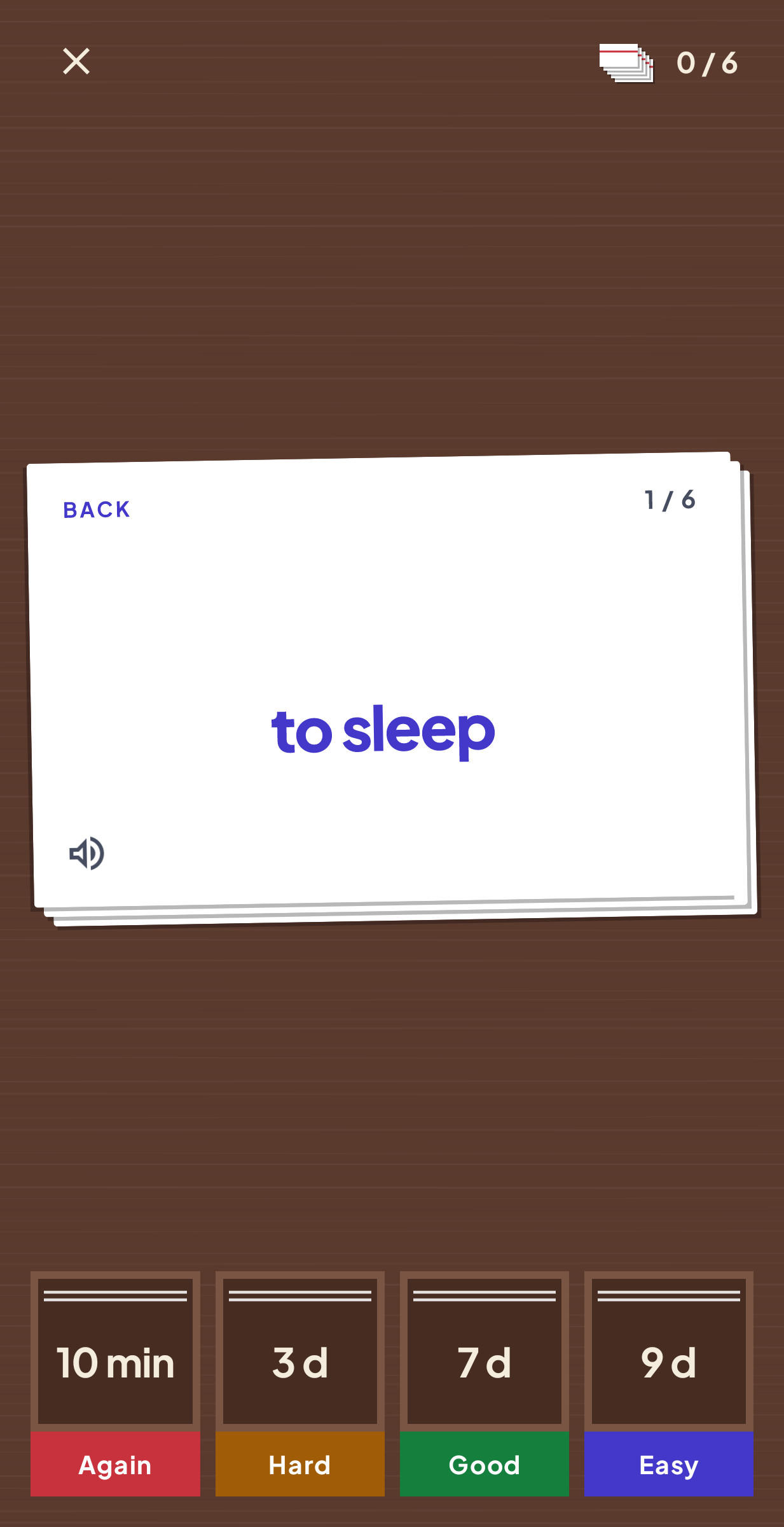
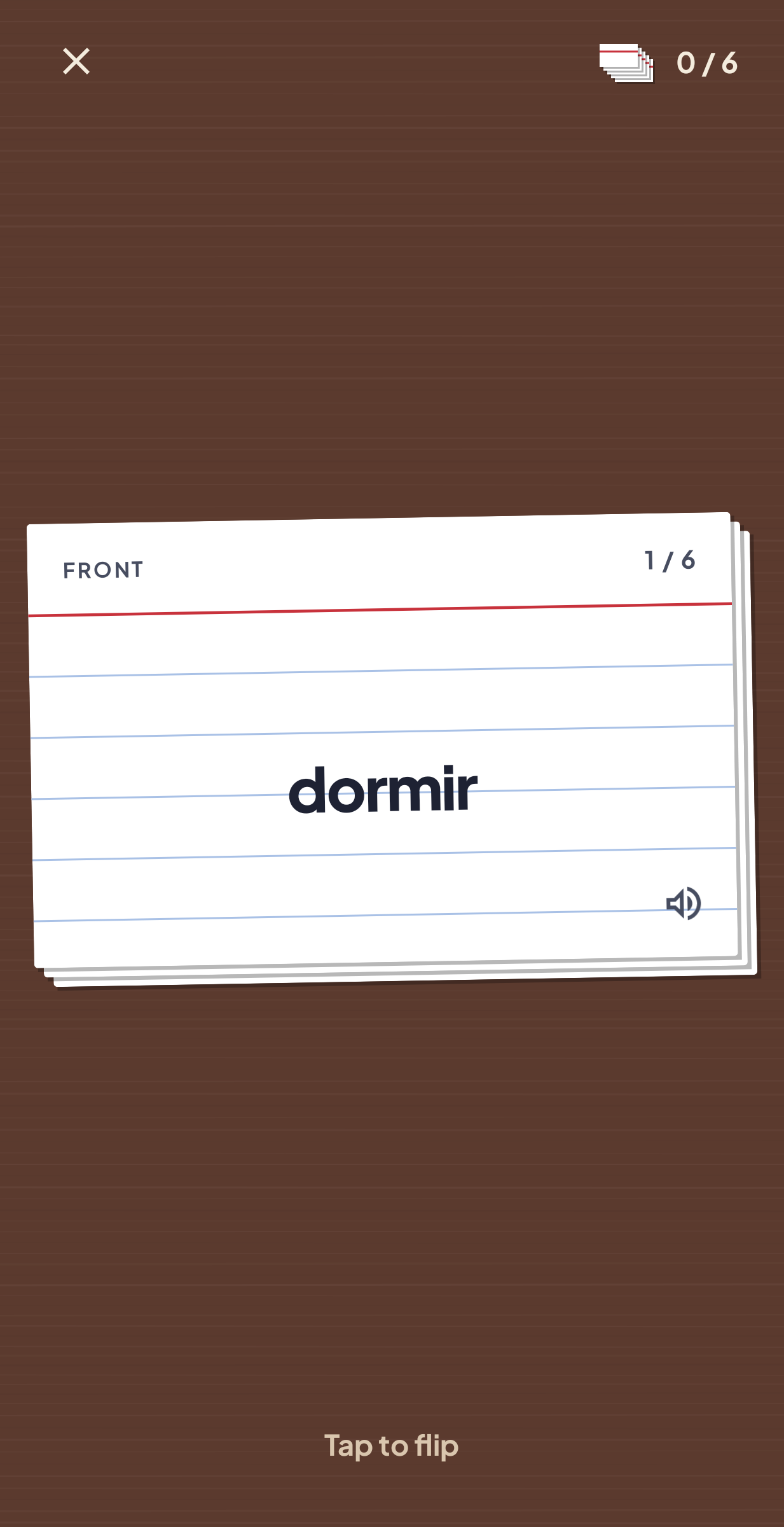
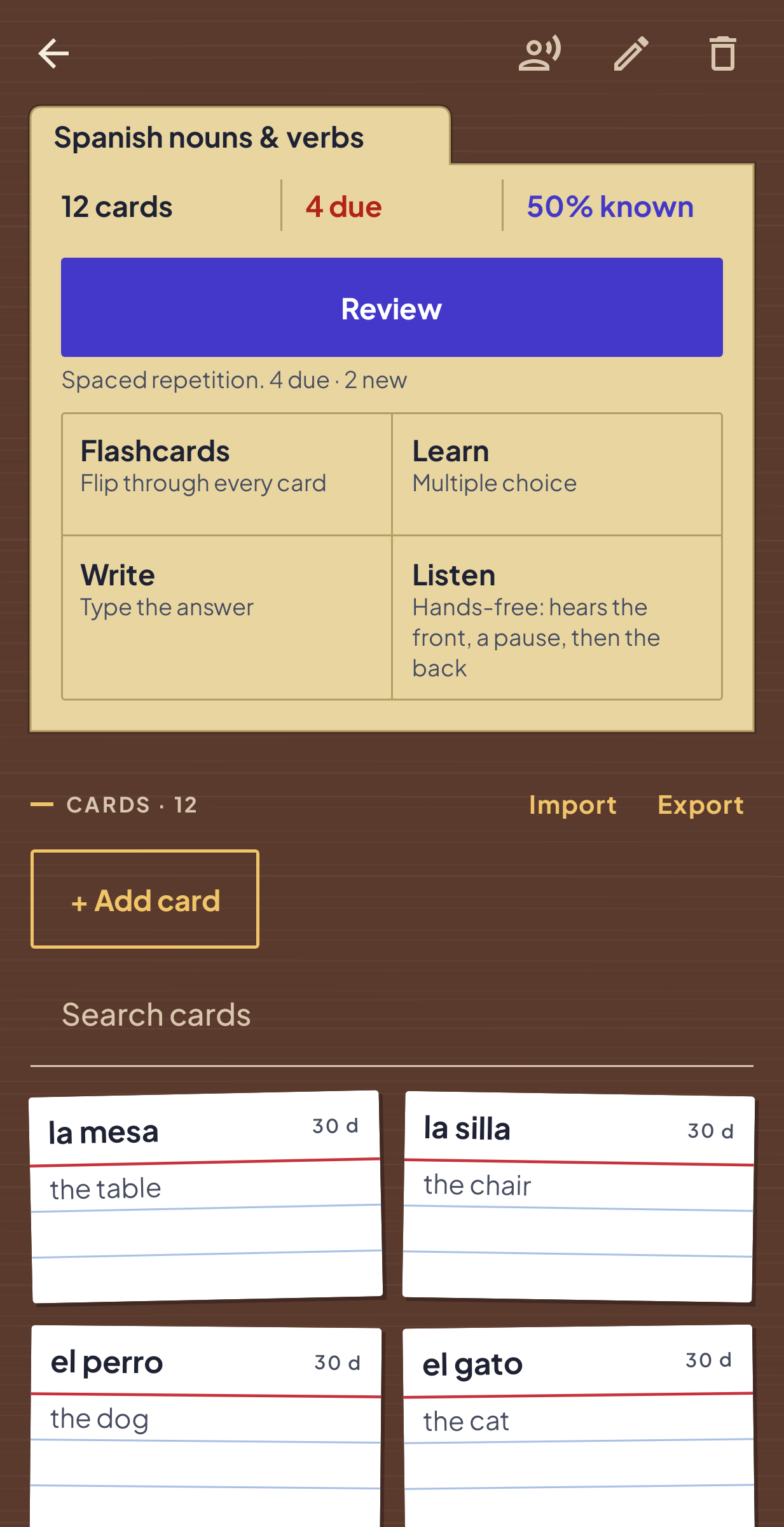
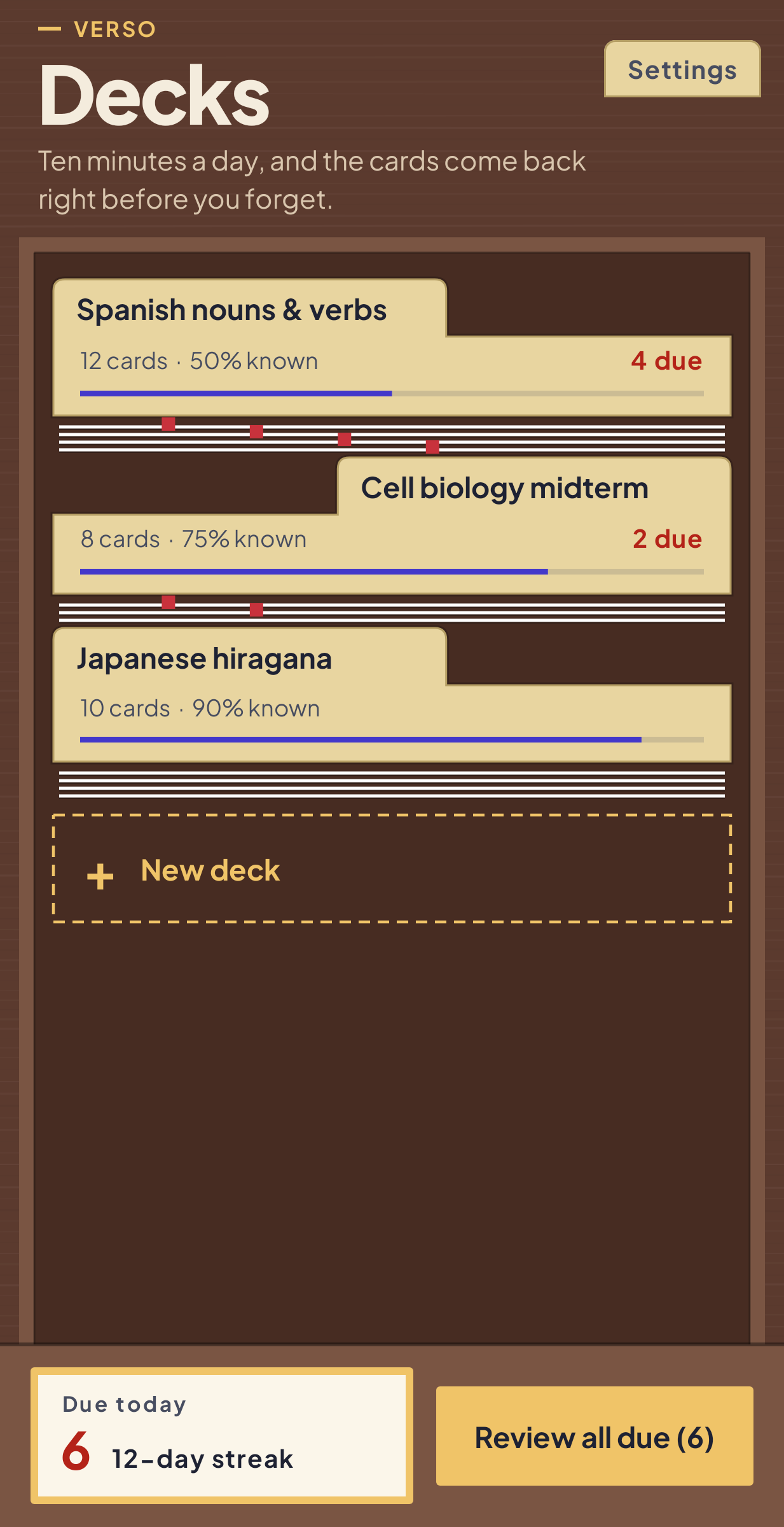
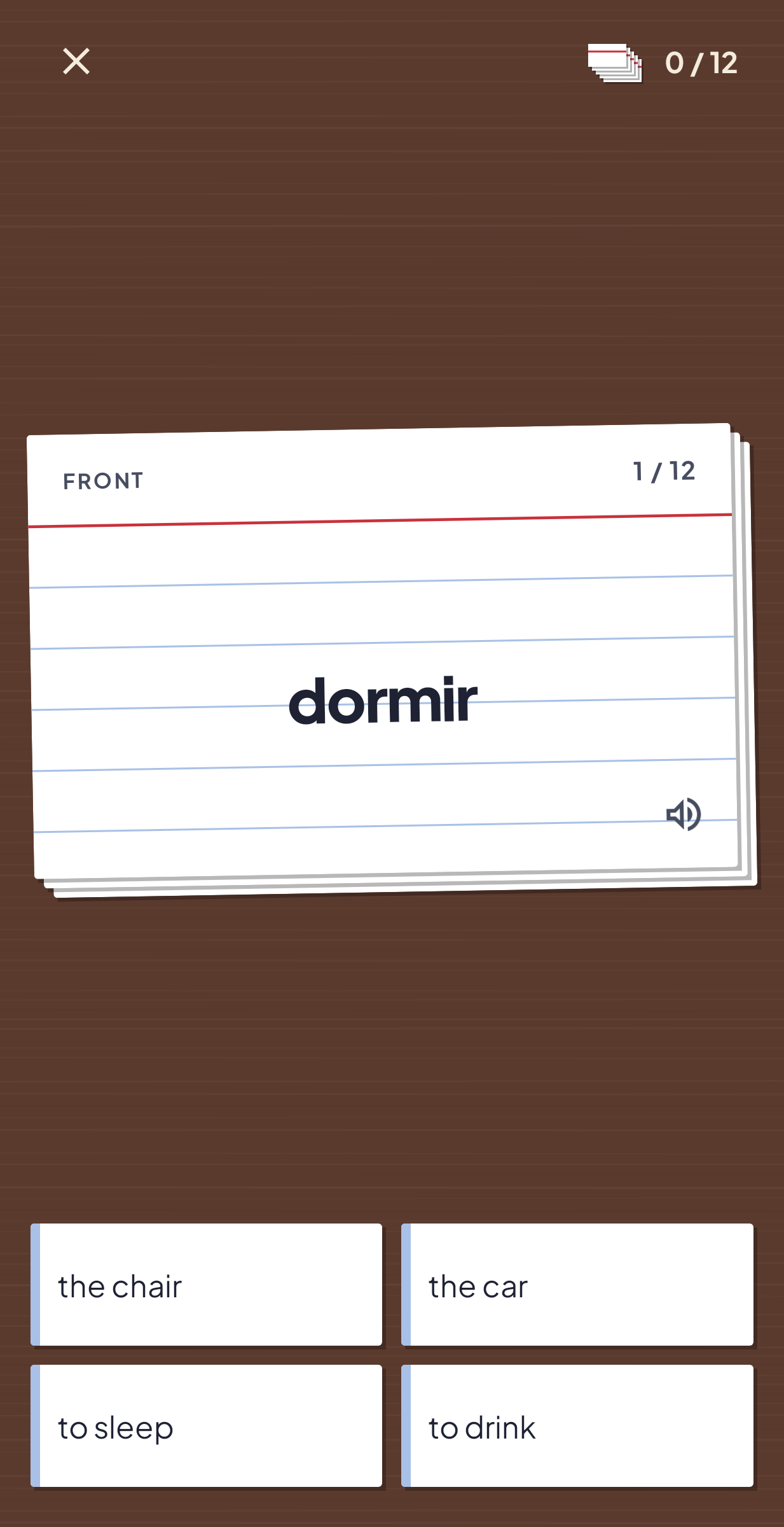
Paste ten lines like "der Hund, the dog" into Verso and you have ten flashcards. Tabs, commas and dashes all work as separators. After that the scheduler picks what you see each day. A card you mark Good comes back later than one you mark Hard, and Verso shows when it will return.
Five ways to study
Review is the spaced-repetition session, with Again, Hard, Good and Easy. Flashcards lets you flip through a deck, shuffled each time. Listen reads the front, pauses, then reads the back, hands-free. Learn builds multiple-choice questions out of your own cards. Write asks you to type the answer and forgives accents, capital letters, bracketed hints and a single typo in longer answers. Any listed alternative counts, and an "I was right" button covers the rest. At the end you can go through just the cards you missed.
On exam weeks
One session can pull every due card from all your decks. A daily reminder comes when cards are waiting, the home-screen widget shows today's due count and your streak, and each deck shows what is due today, how many cards you know and how far through it you are.
Sharing and moving phones
A deck exports as plain text you can send to a classmate. One backup file holds every deck, card and setting and restores on a new phone. Cards can be read aloud in eleven languages using the phone's own speech engine.
Why I made it
One popular flashcard app keeps moving study modes behind a paywall, and a powerful one takes an evening to set up. Verso is my attempt at the middle ground. It is free, with no in-app purchases or ads and no sign-in, and your decks stay on the device with no analytics attached.