Tavola: Personal Kanban Board
Begins with To do, Doing, Done. Add columns, label cards, tick checklist lines.
Join the tester group first, then opt in and install the app from Google Play.
Screenshots
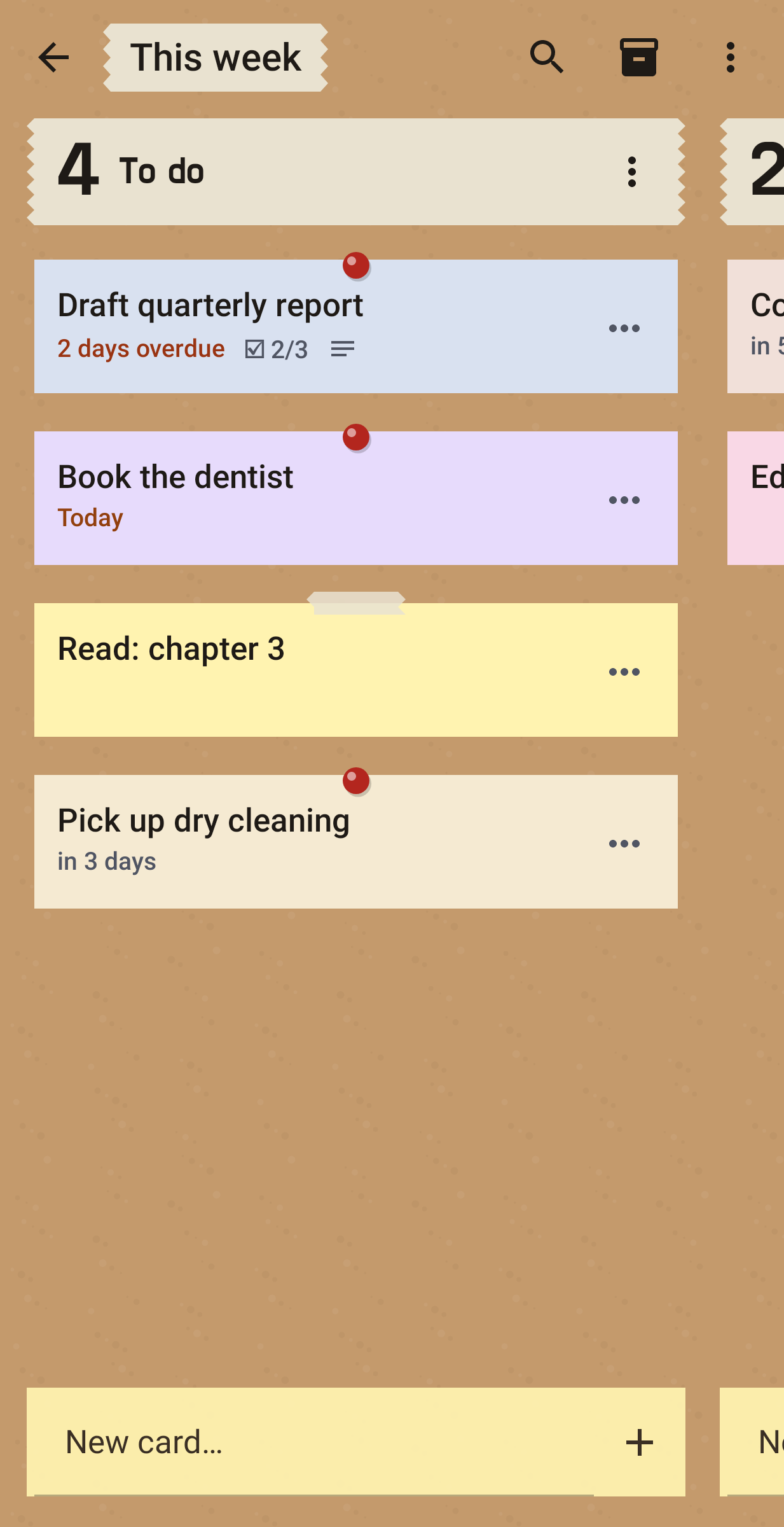
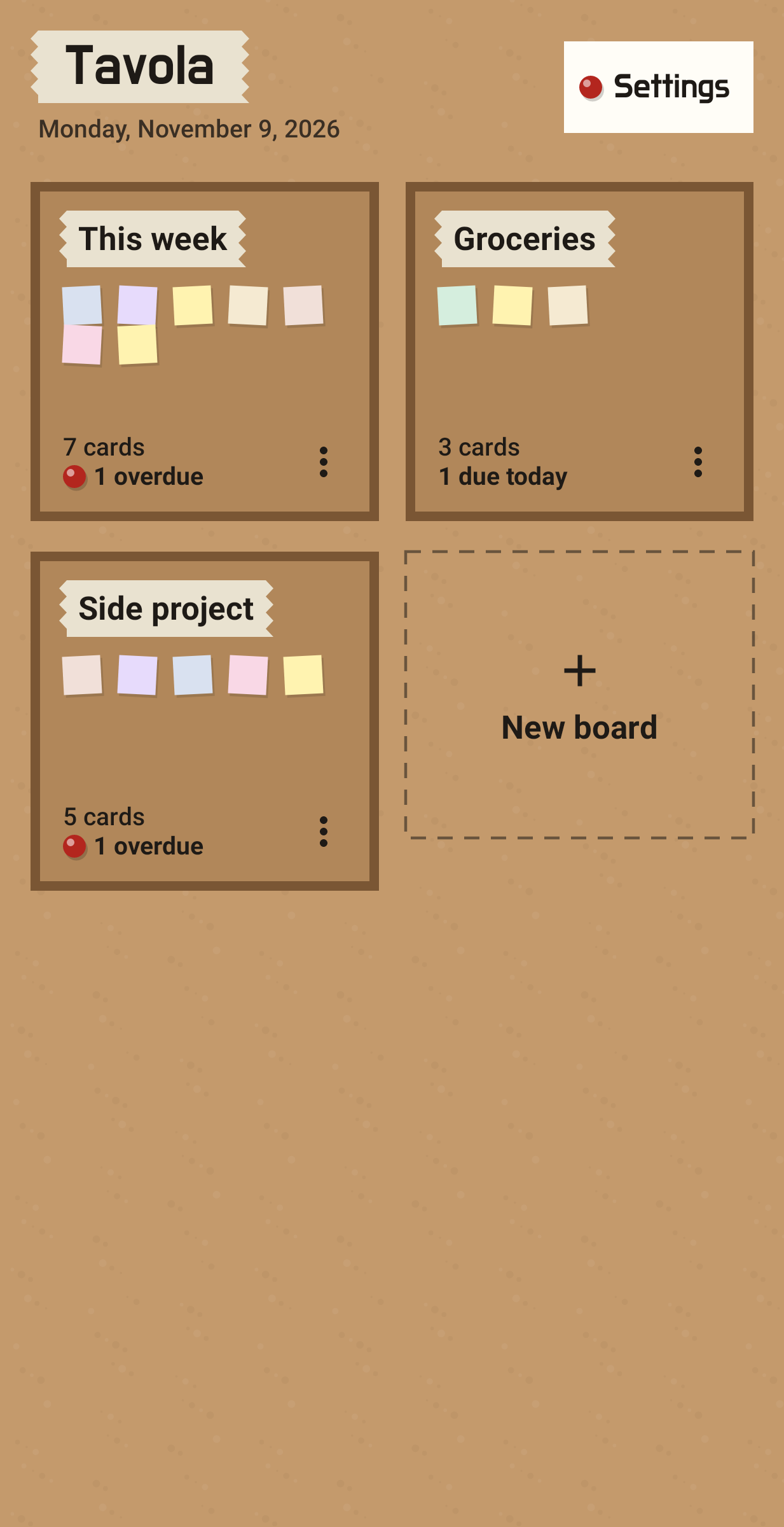
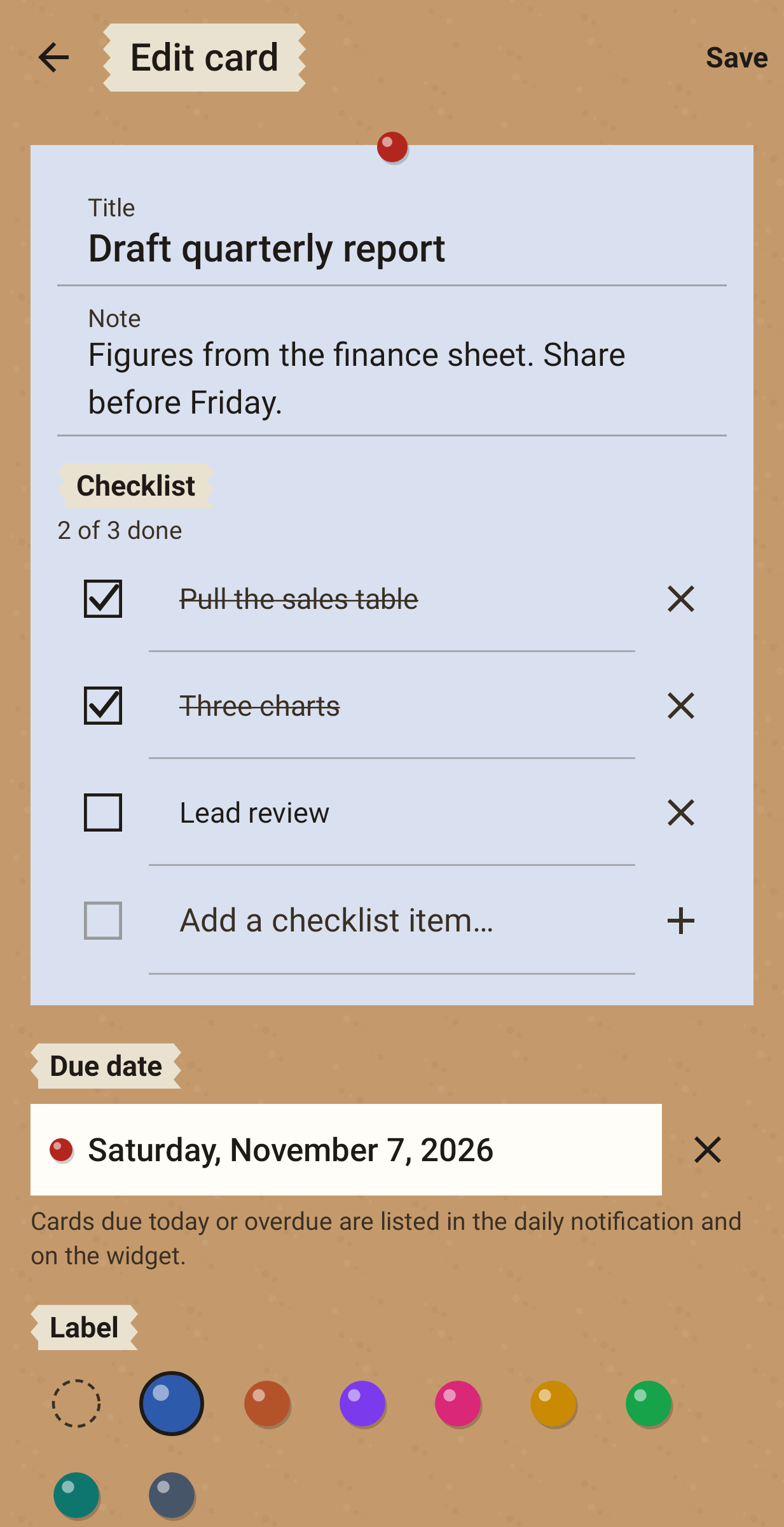
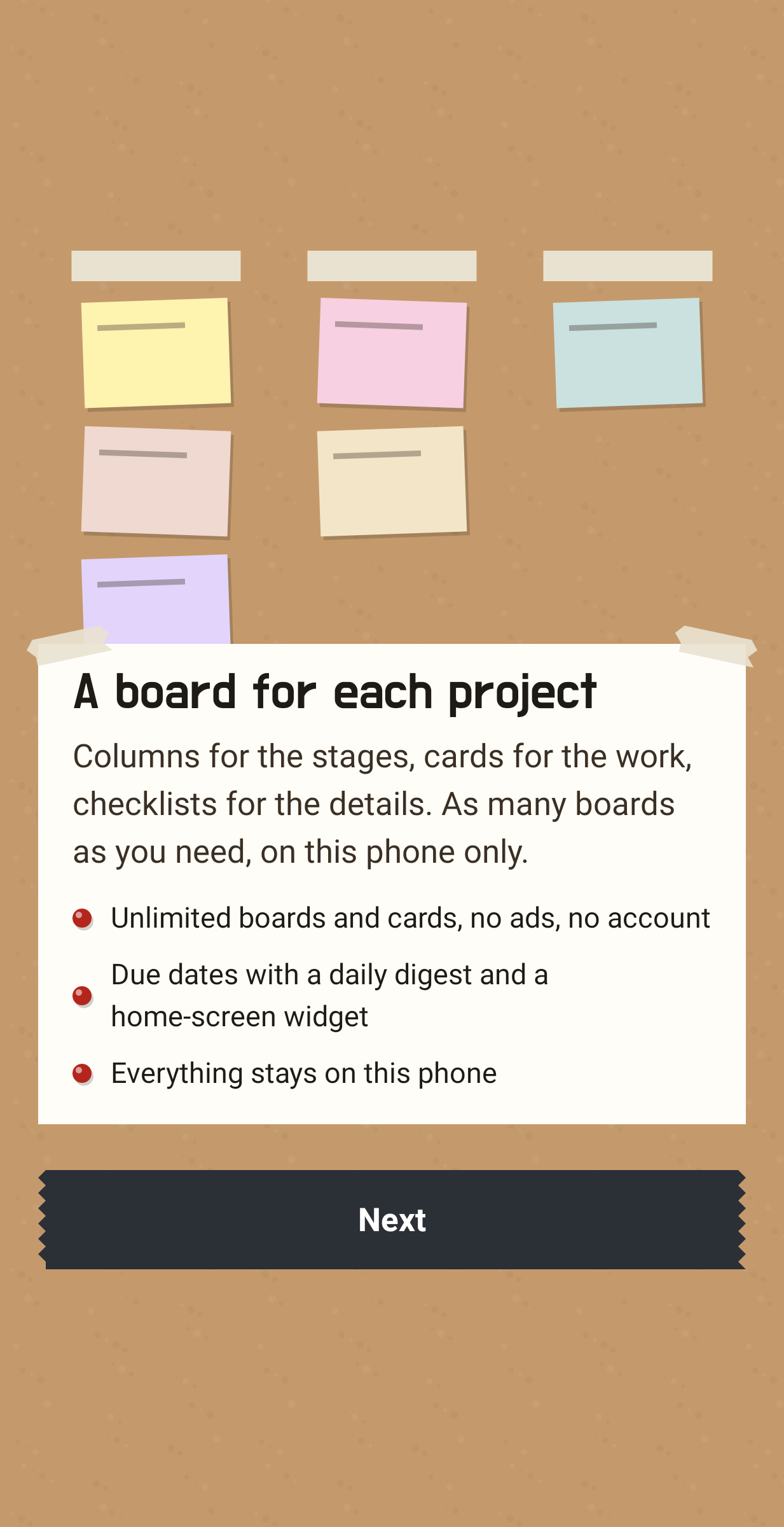
Tavola is a kanban board that lives on your phone and nowhere else. A new board comes with three columns, To do, Doing and Done. Rename them, add more or change their order, and make as many boards as you need, perhaps one for a house move and one for a side project. There is no cap on boards or cards, and nothing to sign up for before you start.
Cards
Adding a card takes two taps. A card can carry a note, a due date, a colour label and a checklist. Long-press and drag to reorder cards inside a column, and use the Move sheet to send one to another column. Search looks through titles, notes and checklist lines across the board. Finished cards go to the archive, where you can bring them back or delete them for good.
Due dates
At an hour you pick, one notification lists the cards due that day and any that are overdue. A home-screen widget shows what is due in the next seven days. Both run on ordinary inexact alarms, so Tavola doesn't ask for the exact-alarm permission.
Why there is no account
Team kanban tools come with sign-ups, workspaces and a server. I wanted a board for one person, so Tavola has none of that. There is no internet permission, no analytics and no ads, and it is free with nothing to buy. Boards are saved on the phone. You can lock the app with your fingerprint or face, back everything up as JSON and export any board as CSV.