Ripasso: Mistake Notebook
Snap a wrong answer, note why, and re-solve it after 1, 3, 7, 14 and 30 days.
Join the tester group first, then opt in and install the app from Google Play.
Screenshots
Ripasso is Italian for revision. It is a mistake notebook for the problems you got wrong, with a schedule that brings each one back until you can solve it on your own.
Adding a mistake
Take a photo of the problem with your camera app or pick one from your photos, then drag the corners to cut it out of the page. Grey, more contrast lifts a shadowed workbook page. You can also type the problem, which suits a word or a formula. Tag why it went wrong (calculation slip, didn't know the concept, misread the question, ran out of time, or a reason of your own), then add the book or exam, the page and the number, and the answer as text or a photo.
The page
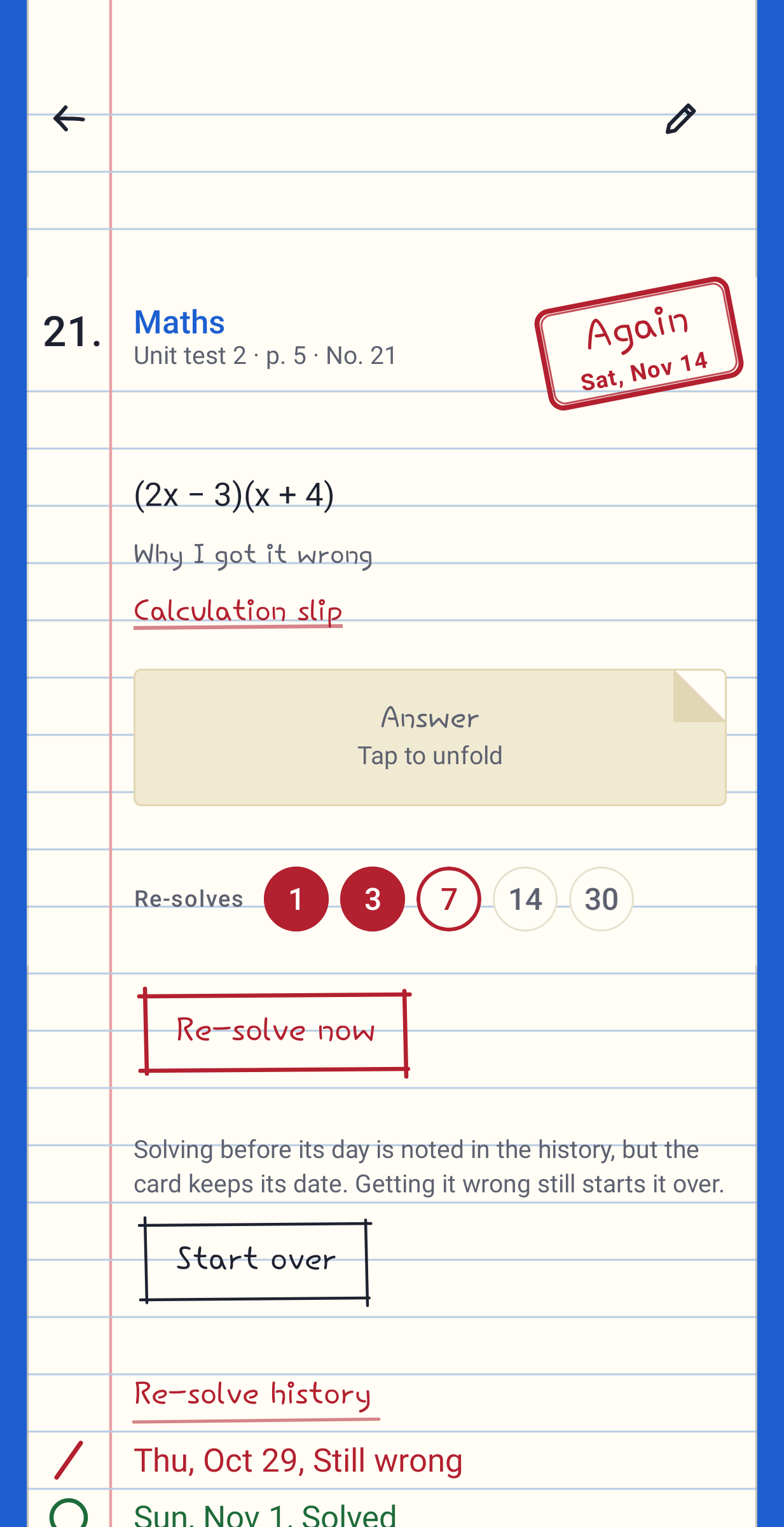
Each card is drawn as a page of a ruled exam notebook. The photo is taped on, the reasons are written in pen, and the answer sits under a paper flap until you tap it. A red stamp in the corner says Again, with the date the problem comes back.
Re-solving
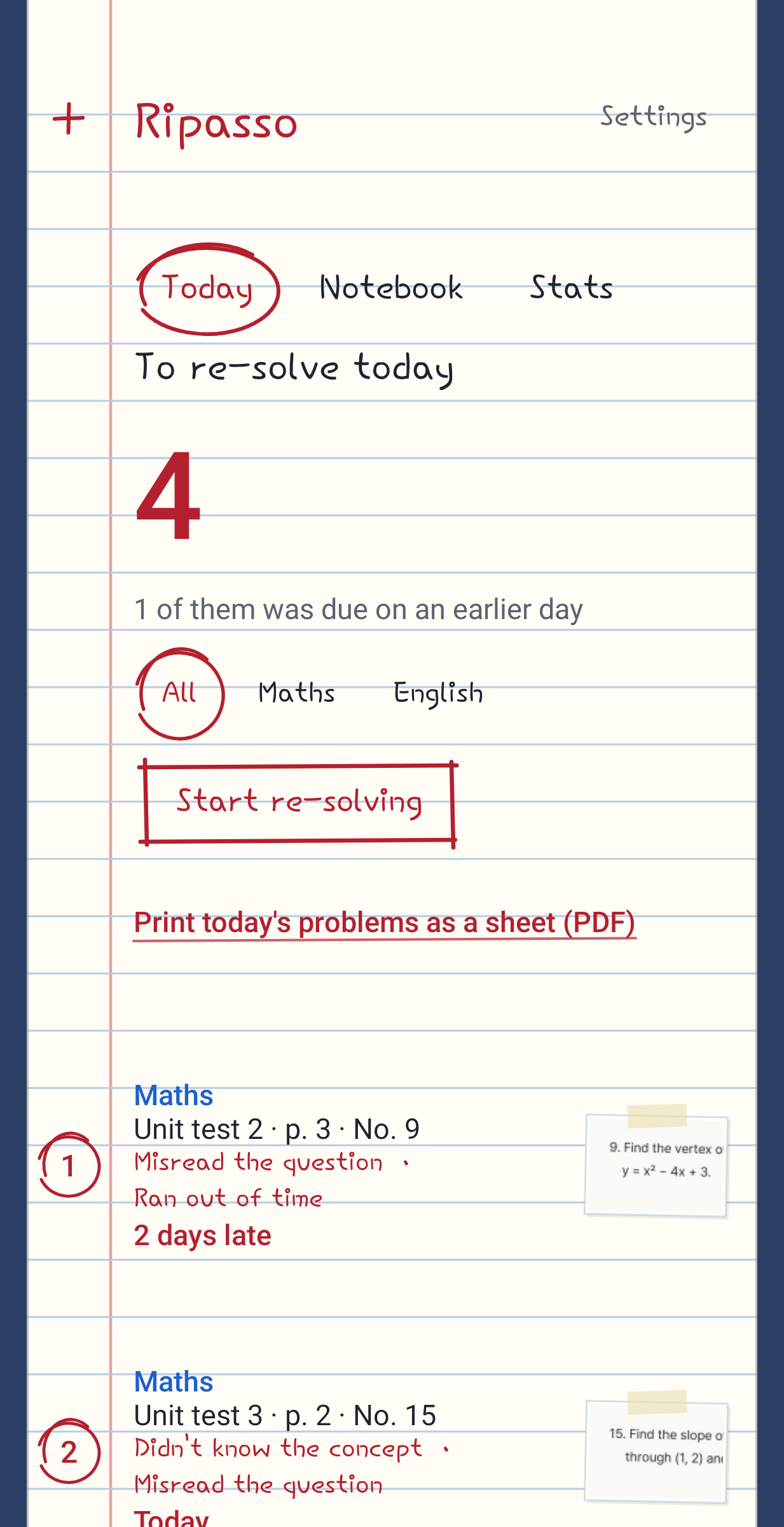
A new card comes back the next day. Solve it on paper, unfold the answer and mark Solved or Still wrong. Solved moves it on to the next wait of 3, 7, 14 and then 30 days. Still wrong sends it back to 1 day. If you miss a few days, the overdue problems wait at the top of today's list and are not reset for being late. One reminder a day tells you how many are due and stays quiet when nothing is.
Review sheets
Print today's problems, or any filtered set, as an A4 PDF. The problems come first with ruled space under each one, and the answers are on the last page, so you can sit it like a test and mark it afterwards.
What keeps going wrong
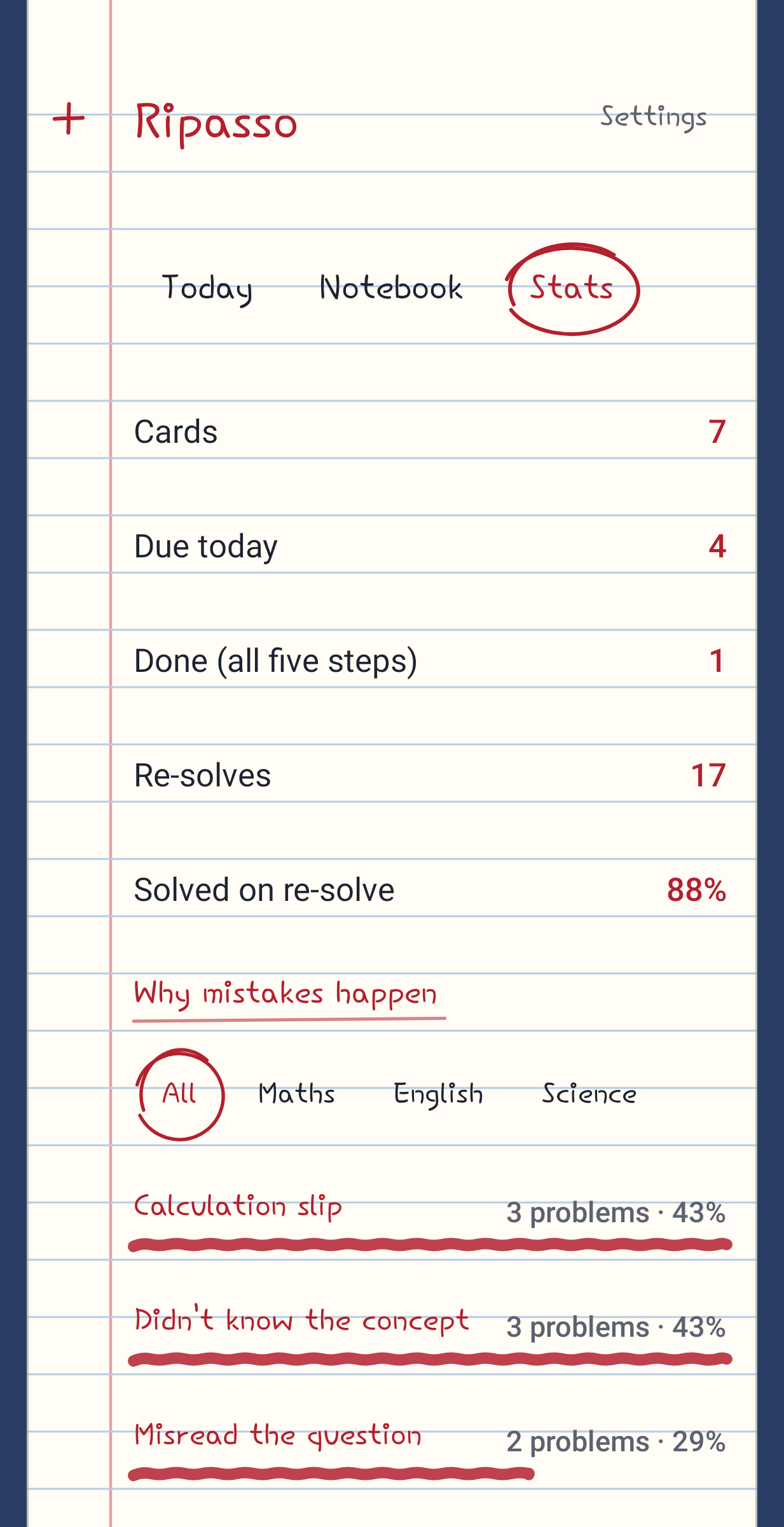
Stats count the reasons across every card or inside one notebook, so you can see whether it is mostly slips or mostly a topic you have not got yet. They are plain counts with no score attached.
Notebooks and files
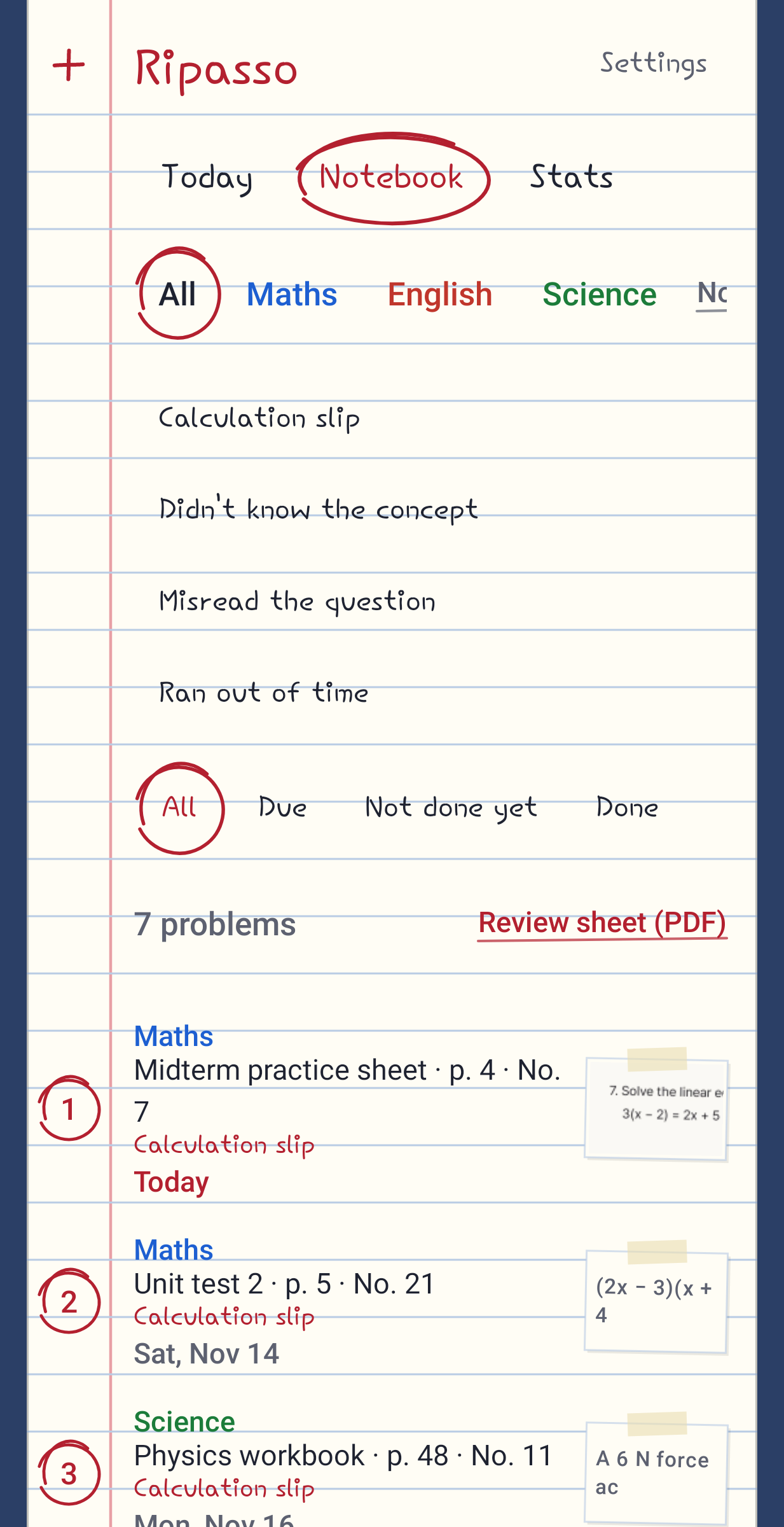
Keep a notebook per subject or per exam and filter by notebook, reason and status. Back up everything, photos included, to a ZIP file and restore it on a new phone, with an undo if you pick the wrong file. There is a CSV export for spreadsheets.
Why I made it
Some mistake-notebook apps ask for a sign-up before you can save a photo, and some sell their AI tools by subscription. Ripasso has no account and no internet permission, so the app itself never sends your test photos anywhere.