Reticolo: Drawing Grid
Square grid cells over a reference photo, with no gallery permission to grant
Join the tester group first, then opt in and install the app from Google Play.
Screenshots
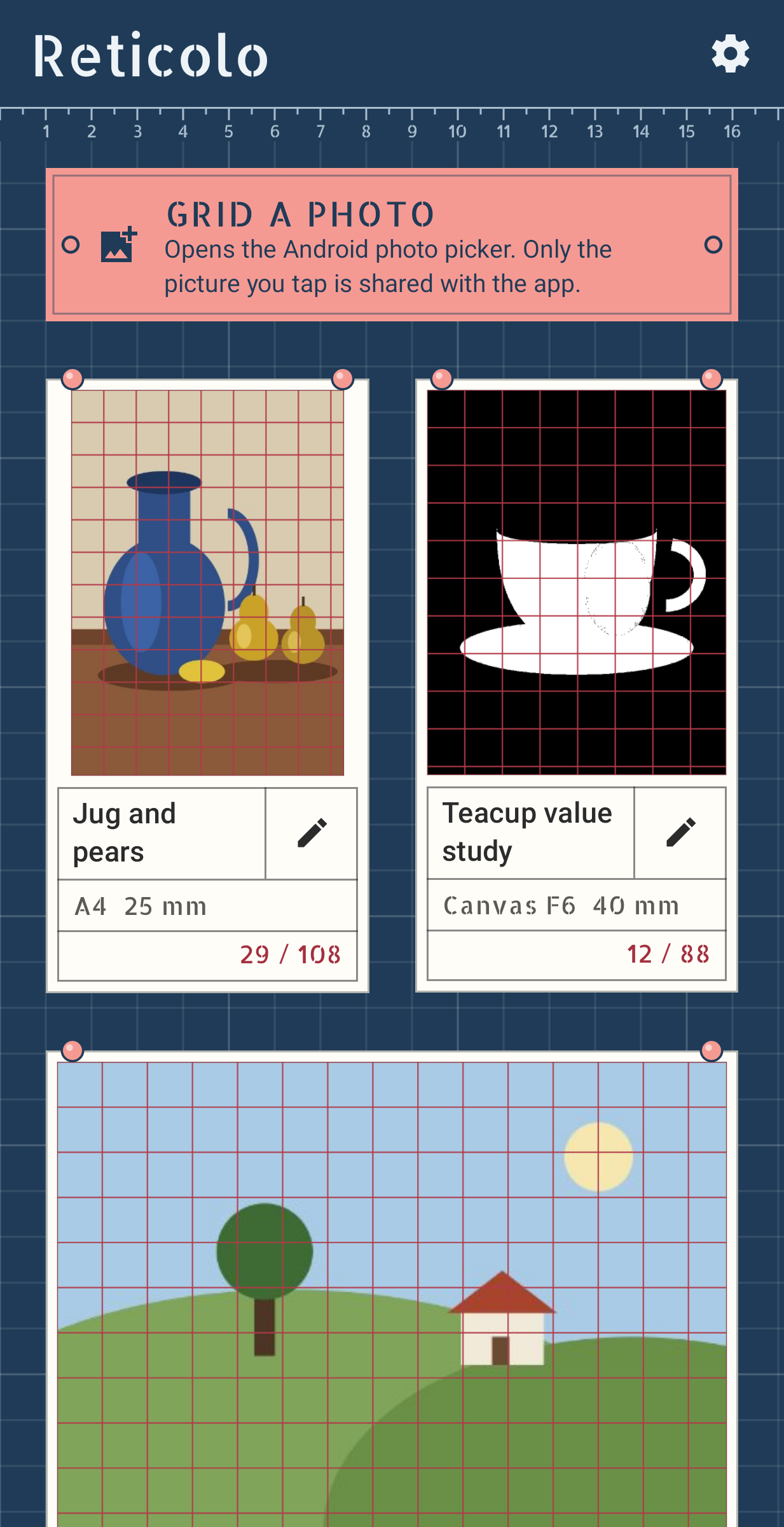
Reticolo (Italian for "grid") lays a grid over a photo so you can copy it onto paper square by square, the way drawing classes teach proportion. There are no ads and no account, and it never asks for permission to read your photos.
Picking the photo
The photo comes in through the Android photo picker, which hands over only the picture you tap. Reticolo copies it into its own storage at full resolution, the right way up. Nothing to allow in Settings, and nothing that stops working after an Android update.
Setting up the paper
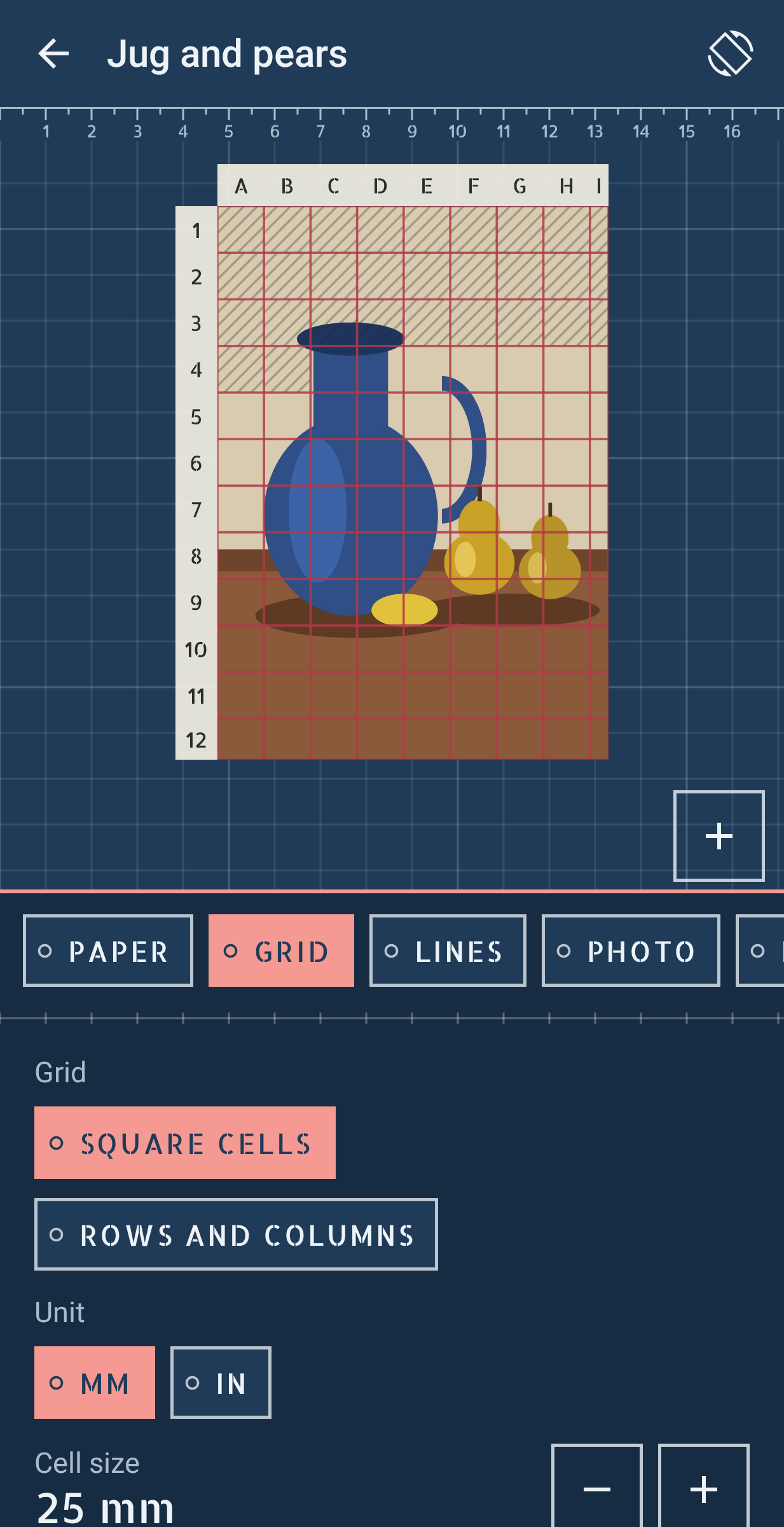
Pick the sheet you will draw on. It can be A3, A4, A5, B5, Letter, 8 × 10 in, a Korean F canvas from size 4 to 30, or any size you type. The grid is measured on that paper, in millimetres or inches. On A4 with 20 mm squares you get 10 whole squares across and 14 down, plus the cut cells at the edge. Every square is the same width and height, on screen and in the export, because both are drawn at one scale. If you would rather split the sheet into 8 columns and 10 rows, Reticolo tells you the size of each cell and whether it comes out square.
Crop the photo to the shape of the paper and slide it to keep the part you want, or keep the whole photo and let the grid run on into the margins. Shift the grid, centre it, add diagonals, turn the photo, mirror it.
Lines you can see
Crimson, graphite, white, yellow, cyan or magenta, six weights and any opacity from 20 to 100 percent. Columns are lettered A, B, C across the top and rows numbered down the side, so every square has a name like C4.
One square at a time
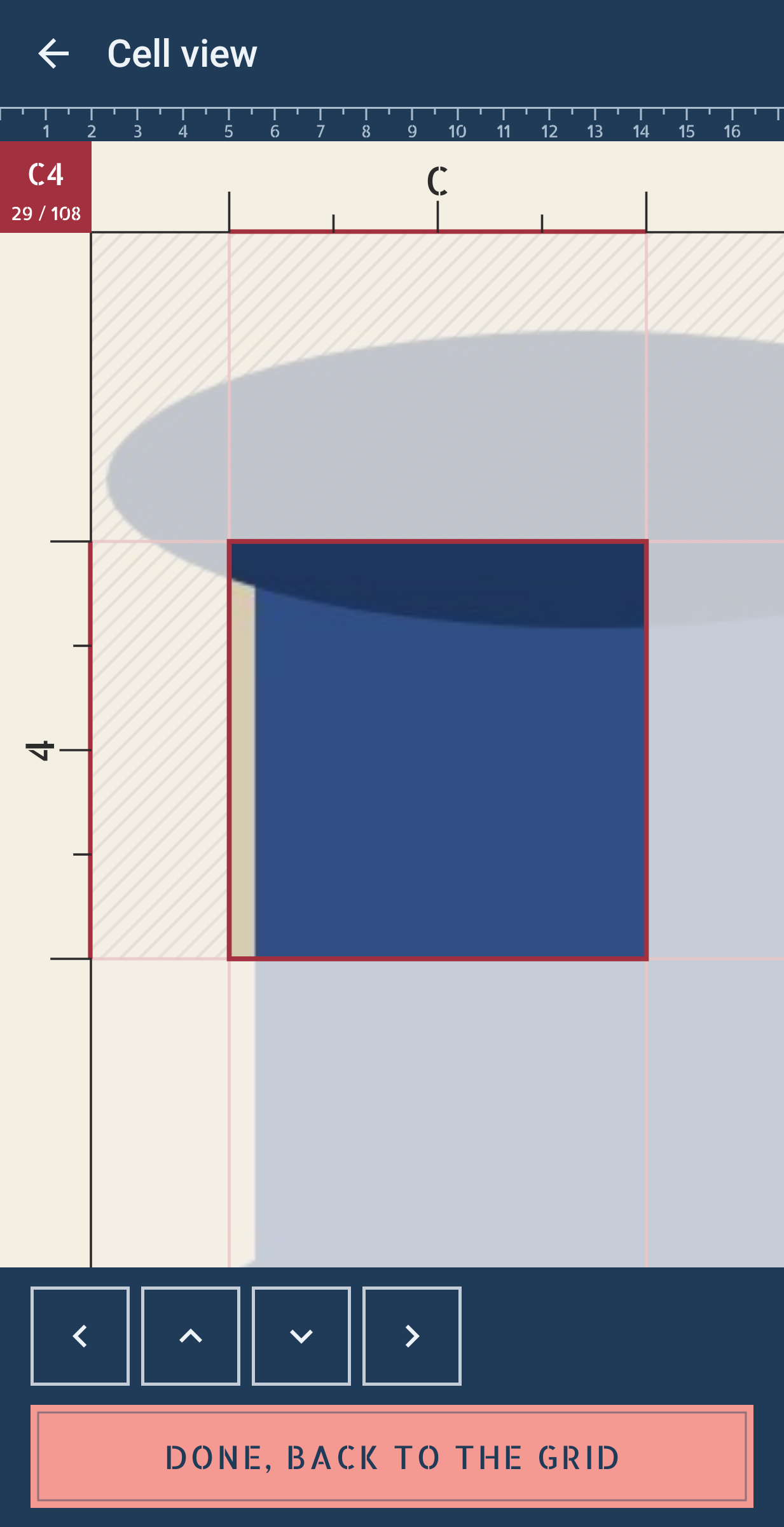
Tap a square and it opens on its own, large, with its neighbours faded around it. Rulers on two sides carry the letter and the number and mark the halves and quarters of the edge. The corner reads C4 and 23 / 96. When it is drawn, tap Done and the square is crossed off in pencil on the grid. Arrows take you to the next square.
Seeing values
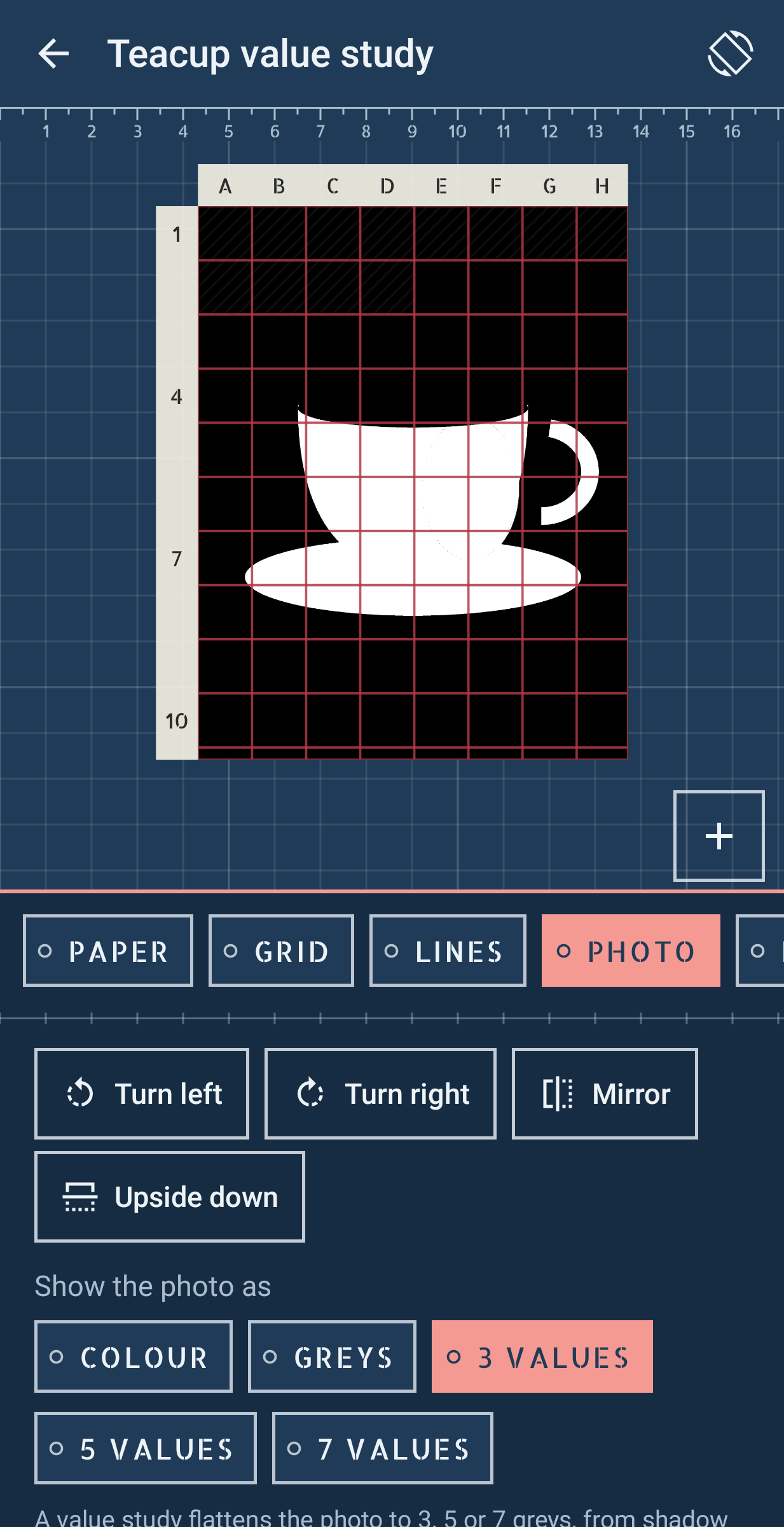
Show the photo in greys, or flattened to 3 or 5 values, from shadow to light. Pinch to zoom and pan; the grid stays fixed to the picture. Lock the screen rotation when the phone lies flat beside your paper, and the screen stays on while you draw.
Taking it with you
Share the gridded picture at the photo's own resolution or save it to Pictures/Reticolo (on Android 9 and older, to a file you choose). Print a blank grid as a one-page PDF at the exact size of your paper and cells. A backup ZIP carries every grid and photo to a new phone, and a restore can be undone.
Why I made it
I'm Louis. The grid apps I tried showed an ad before the photo loaded, asked for gallery access that then failed to work, or drew boxes that were not quite square. Reticolo keeps to the grid and does it carefully.