Postilla: Reading Log & Quotes
Save the passages you love with their page, then copy them out on ruled lines.
Join the tester group first, then opt in and install the app from Google Play.
Screenshots
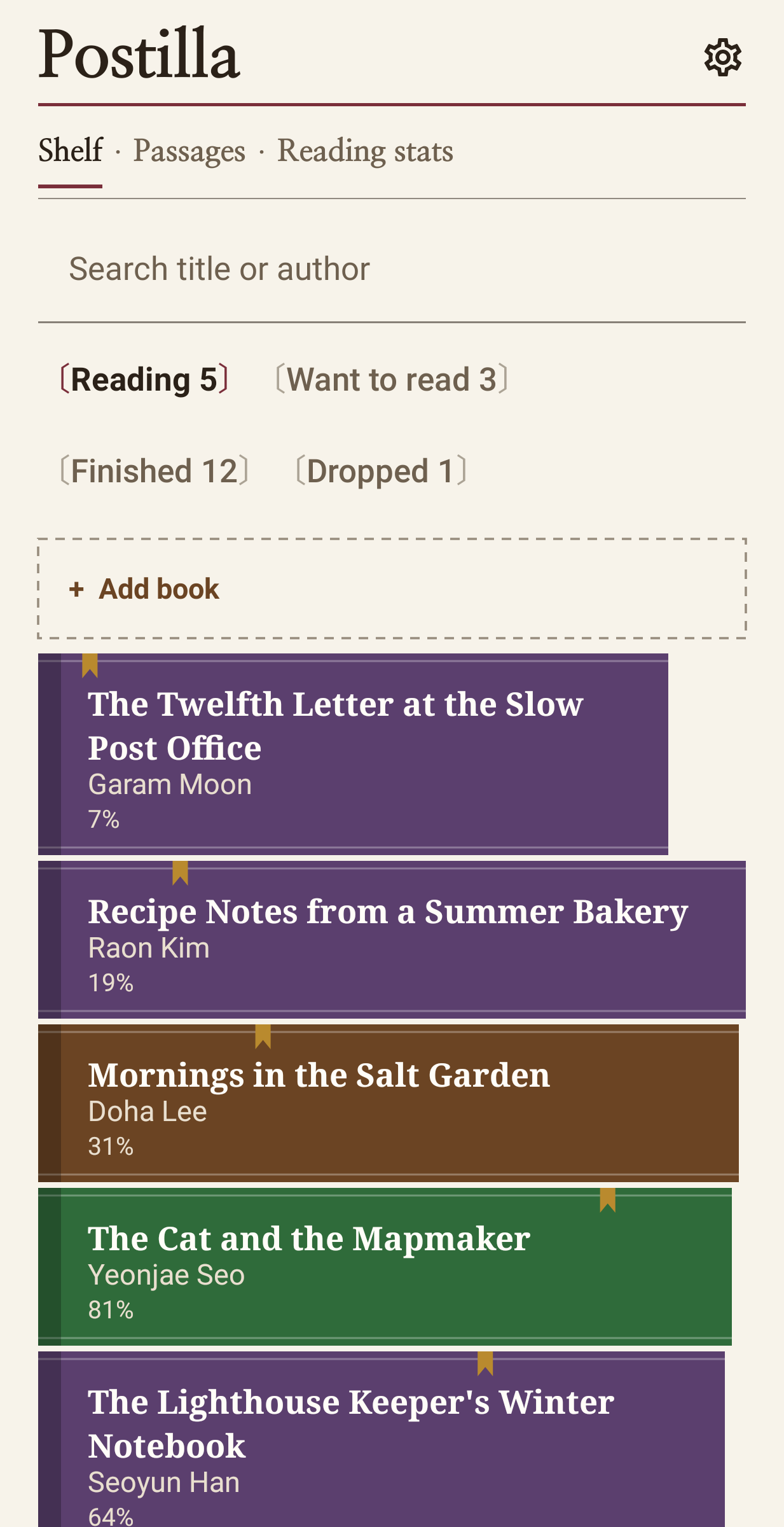
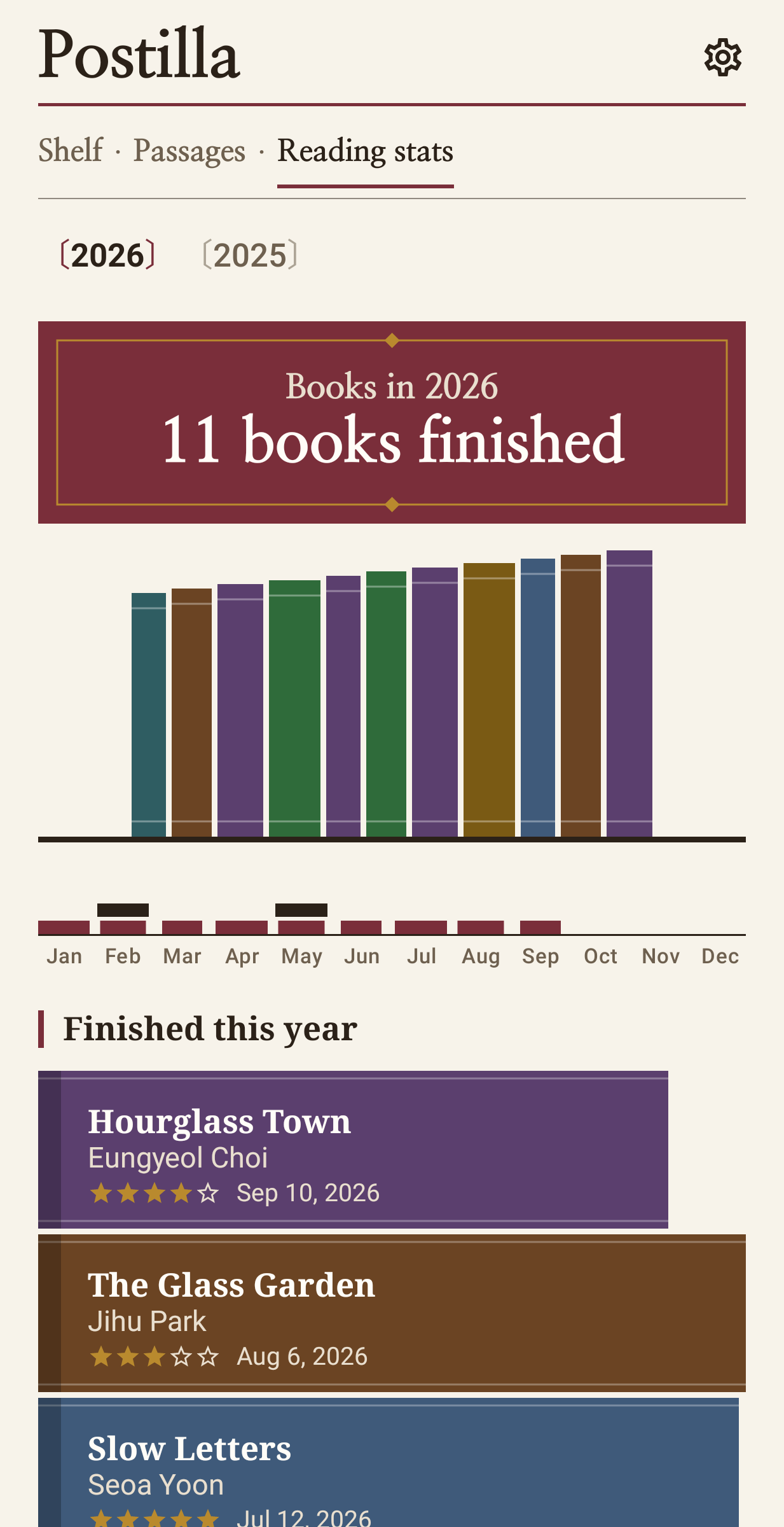
No book limit, so the eleventh book goes on the shelf the same way as the first. Postilla (Italian for "a note in the margin") is a reading log for the books you want to read, are reading, finished or put down, and for the sentences you want to keep from them.
Passages
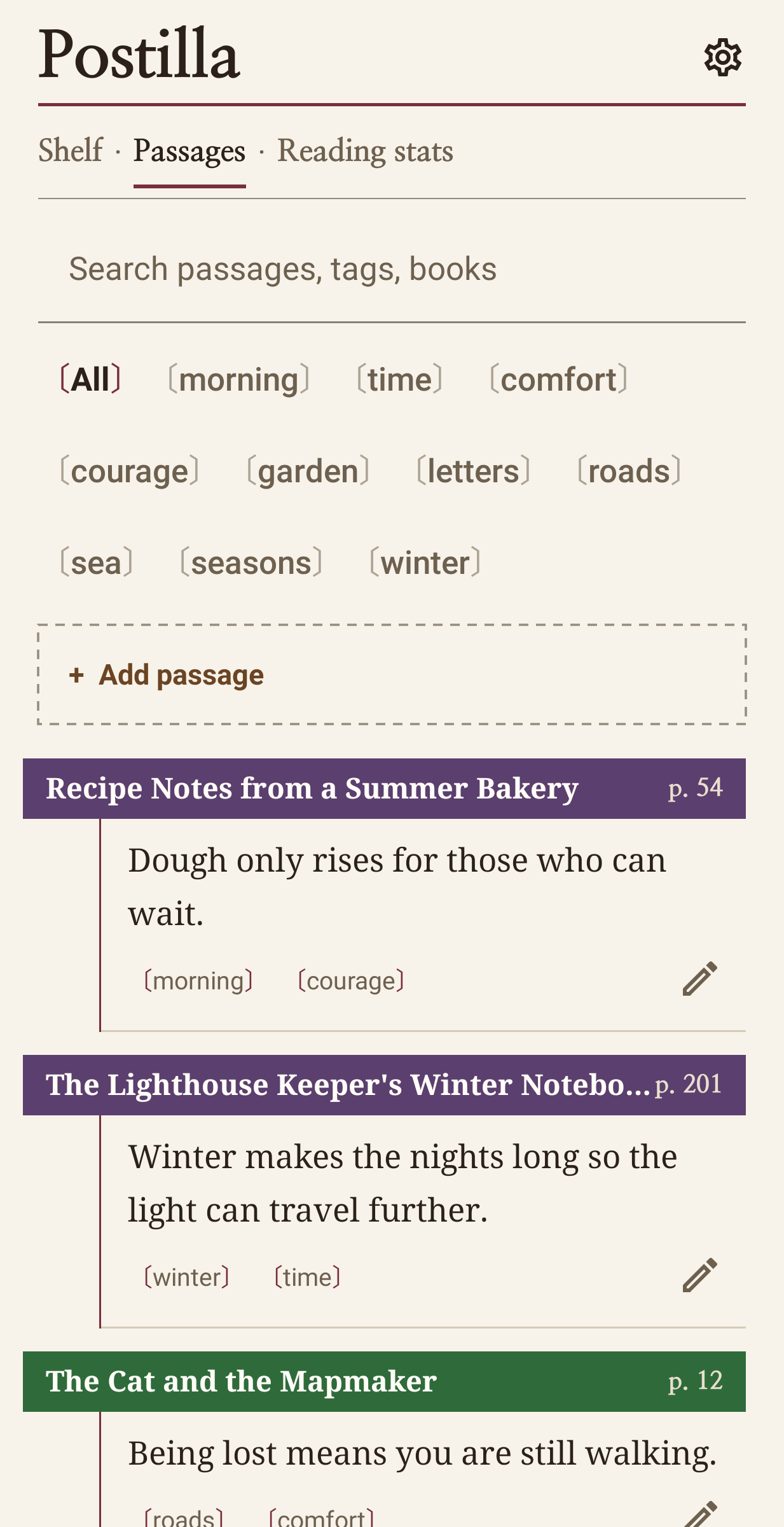
A passage is the words as you type them from your book, the page, your own thought, tags and, if you like, a photo of the page. Browse by tag or search by any word, title or author. Korean search also works by initial consonants.
Copying out by hand
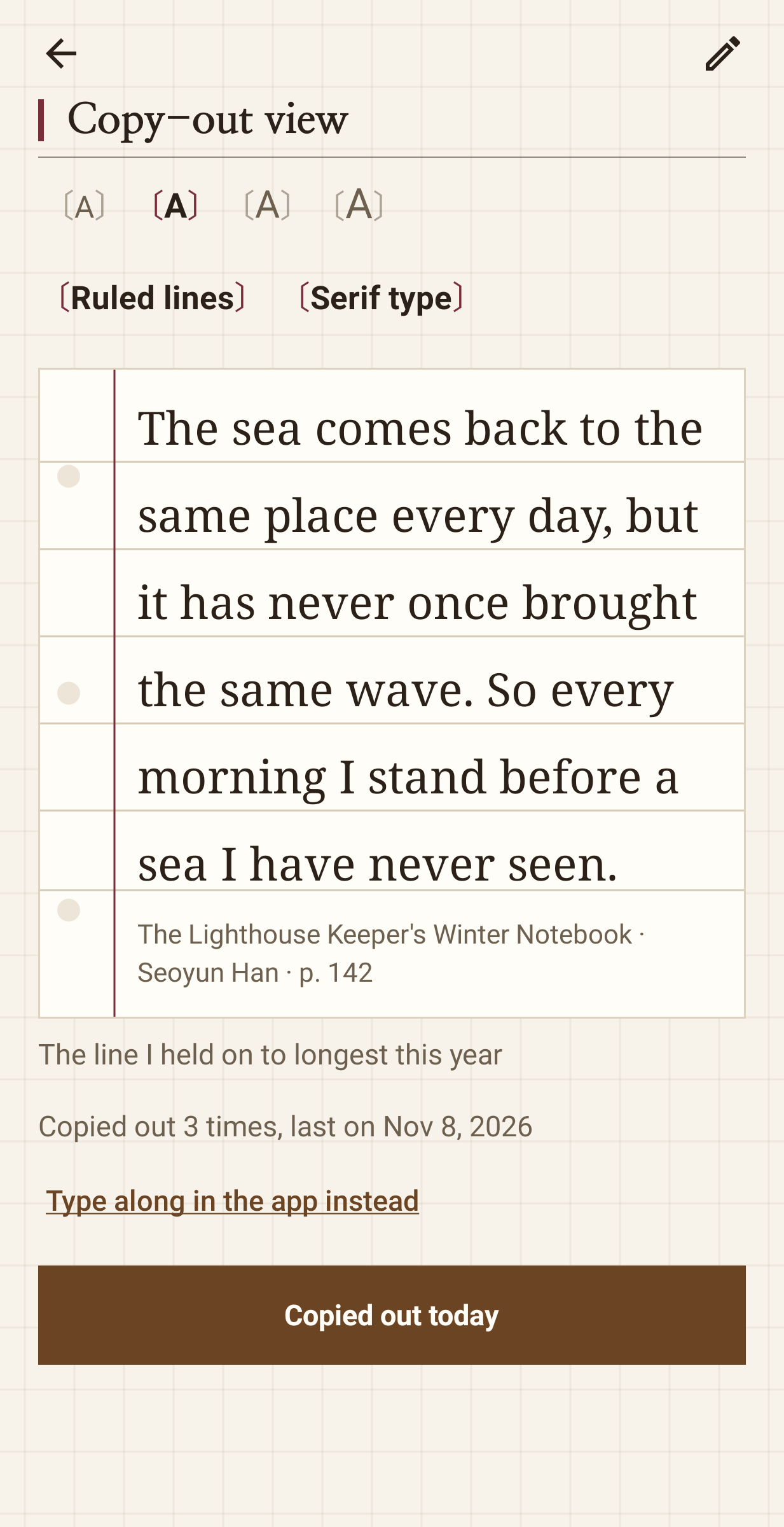
The copy-out view shows one passage in a large, book-like typeface on ruled lines, with the screen kept on, so you can prop the phone up and write it into a notebook. Choose the text size, switch the lines on or off, and mark each day you copied it. You can also type along in the app and see how much already matches.
Shelves and sittings
Want to read, reading, finished and dropped. Moving a book fills in its dates (started today, finished today) or the day you pick. A sitting records the minutes and the page you reached, Postilla shows the percentage and the pages gained, and when you reach the last page it asks whether the book is finished. Each book can carry a page count, a rating out of five and a cover photo from your gallery.
The year
Books finished, a bar per month, pages, time, the days you read, passages saved and copied out, the average rating and the author you read most.
On the home screen
A widget shows one of your own passages, a new one each day, with a button for the next. An optional daily reminder nudges you toward the book you are reading.
Export and backup
Books and passages export as CSV. A backup file holds every book, passage, sitting and photo for a new phone, and a wrong restore can be undone.
A note on the passages
They are yours, because you type them in from your own books for your own reading, and Postilla ships with no book text. There is no ISBN lookup either, so each book is entered by hand. I built the copy-out view first, for people who write passages out by hand. Postilla is free, with no ads and nothing for sale. It has no internet, camera or location permission, no account and no analytics, and pictures come in through Android's photo picker.