
Margin: Private Journal
A question a day, a few lines, a mood in one tap. 48 prompts, fingerprint lock.
Join the tester group first, then opt in and install the app from Google Play.
Screenshots
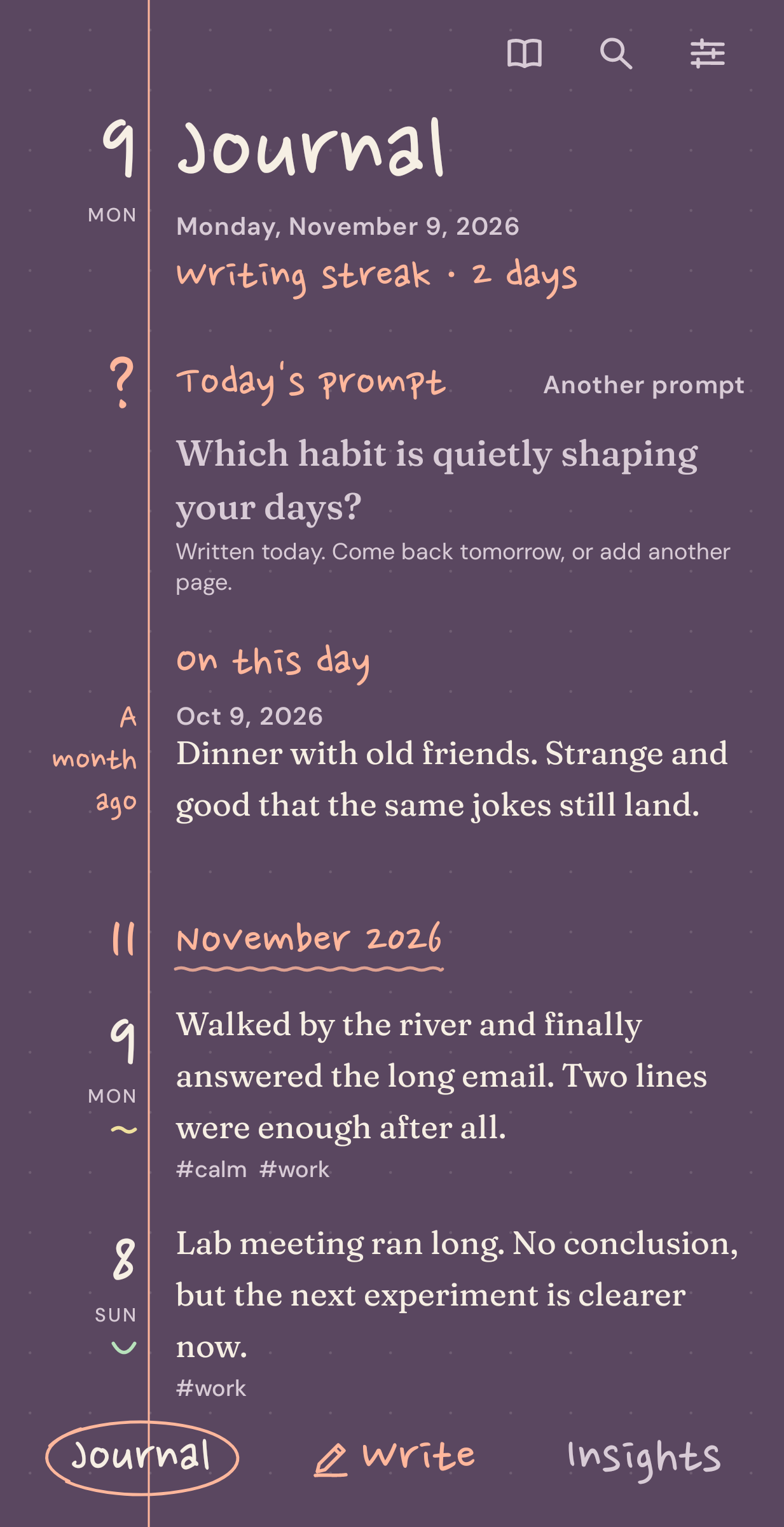
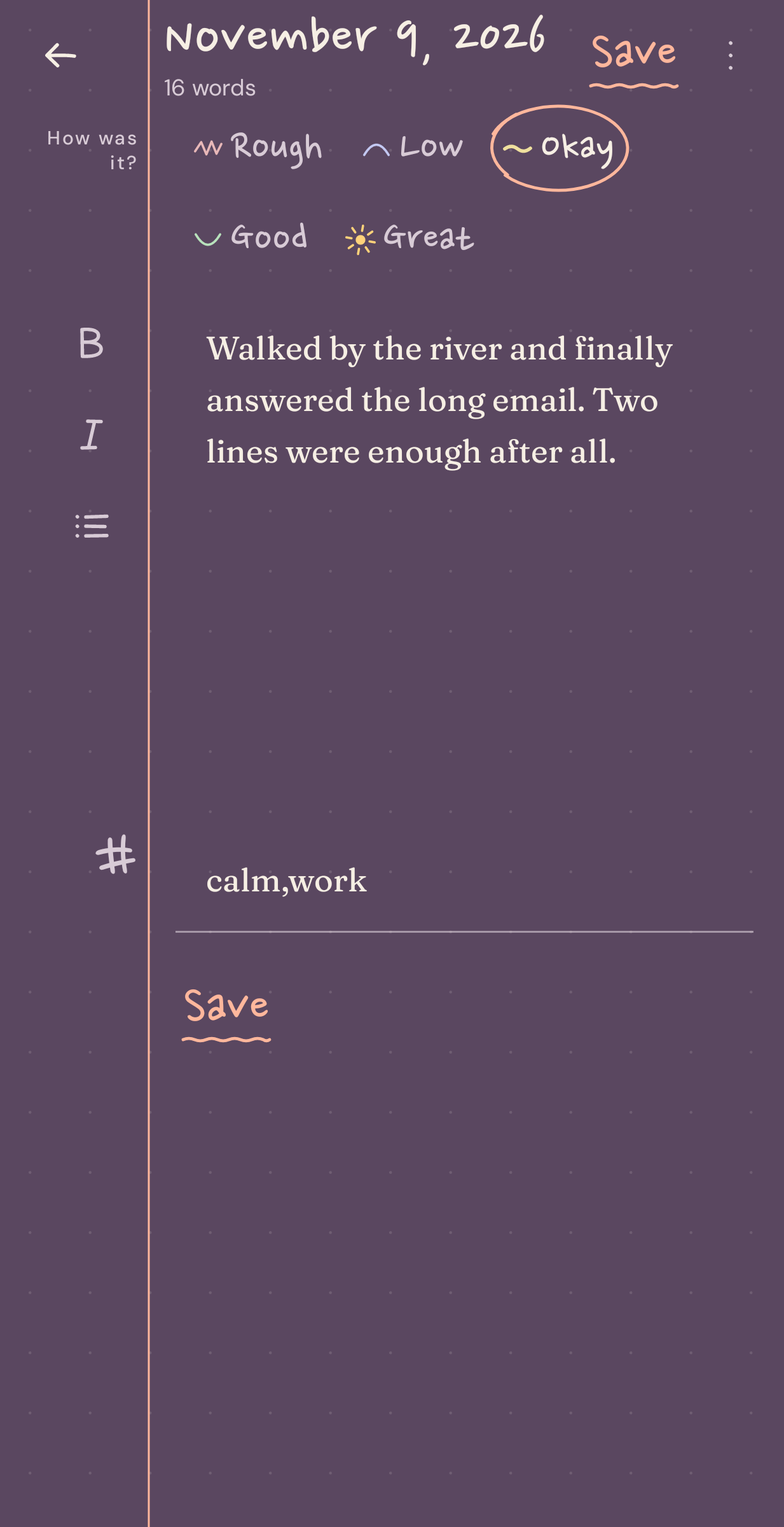
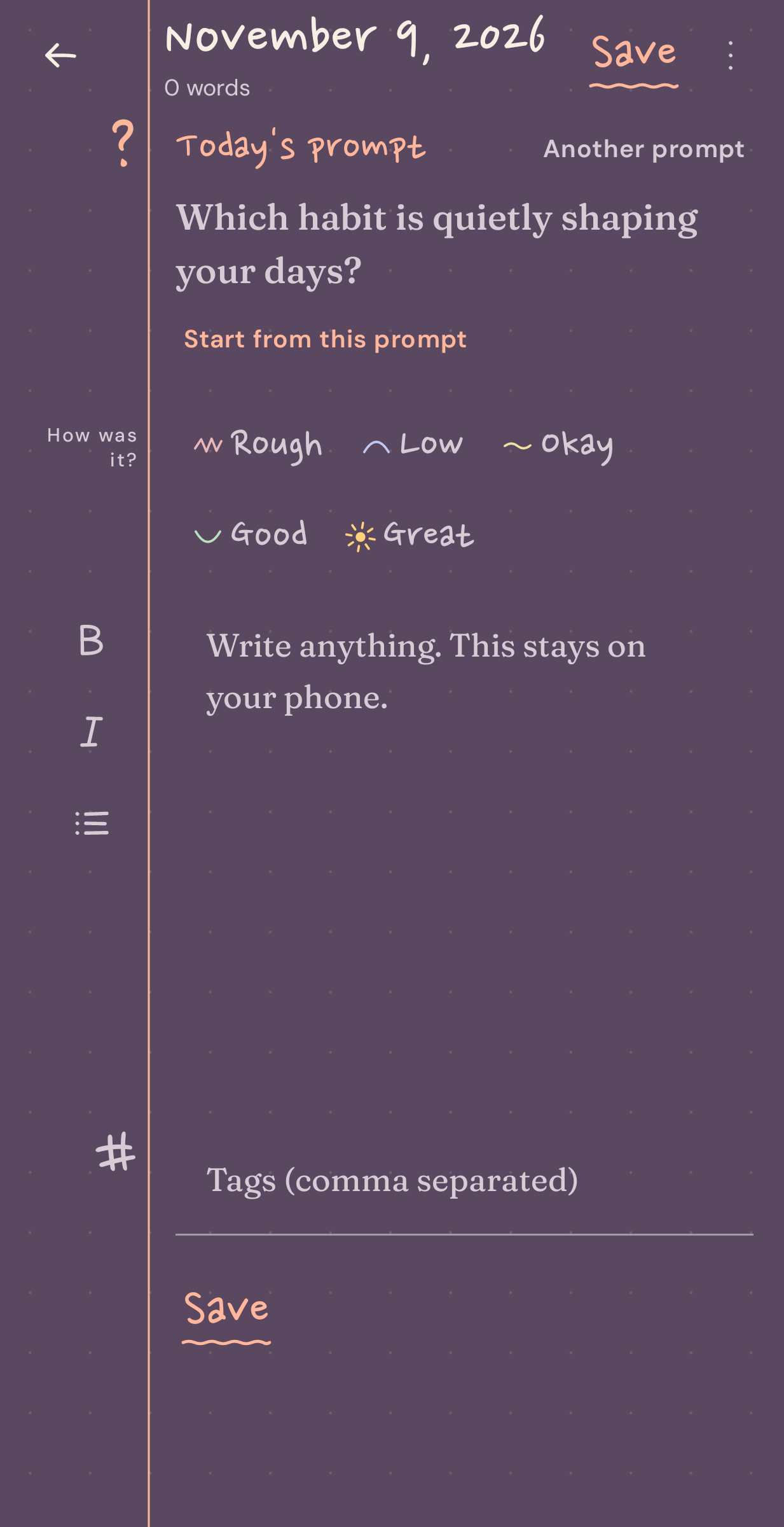
Each day Margin opens on one question, such as "What are you avoiding, and what would it take to start?" There are 48 of them, and "another prompt" swaps today's if it doesn't fit. Write a few lines, pick one of five moods from rough to great, and that's the entry. When you change phones, save one backup file in Settings and open it on the new phone, and years of entries come with you.
Writing
A small bar above the keyboard gives bold, italic and lists. Any entry can carry tags, and search looks through the full text. A word count and a writing streak are there if you care about them. An evening reminder can bring the day's question with it and stays silent on days you have already written. The home-screen widget shows today's question with a Write button.
Reading back
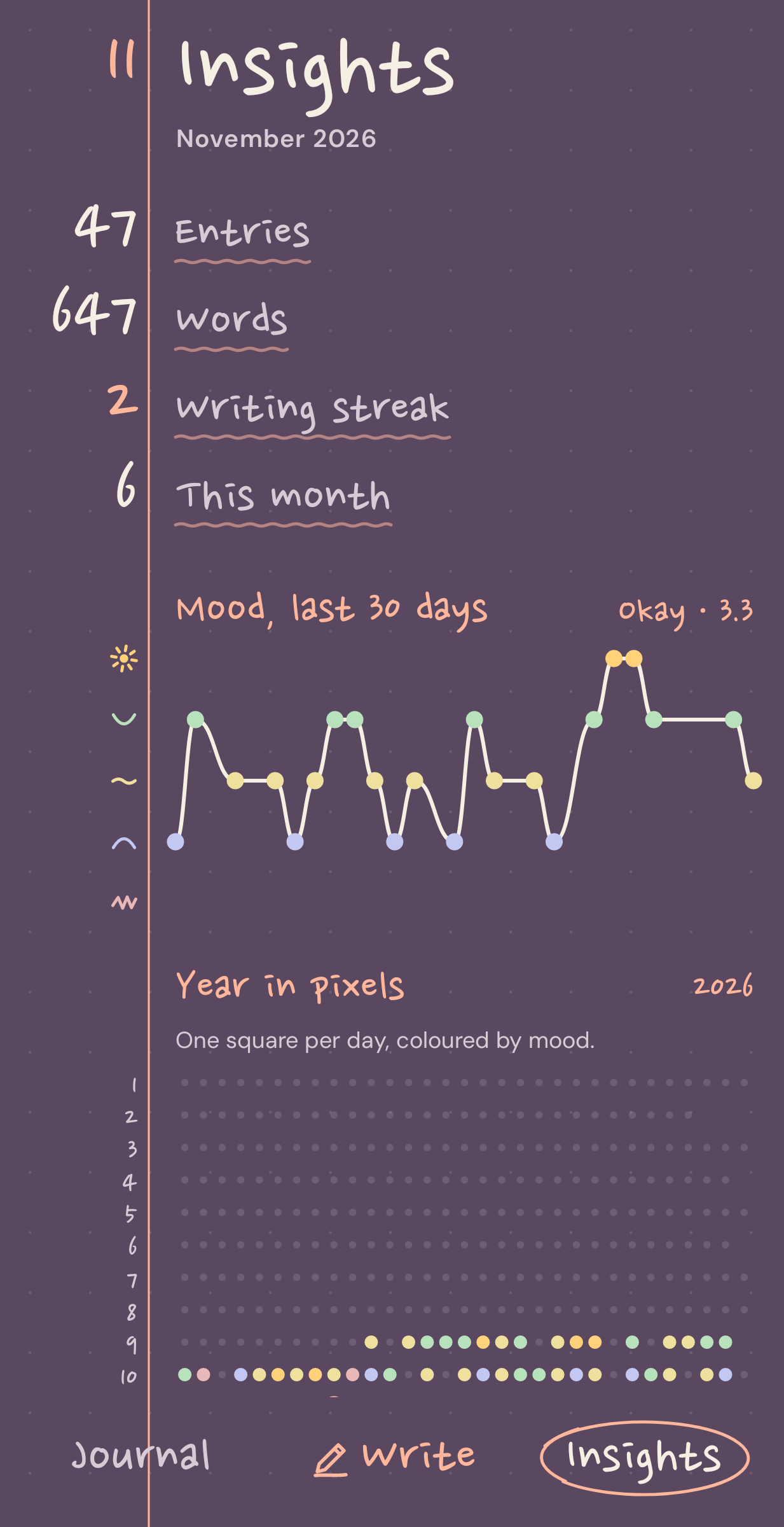
Entries are grouped by month. Read through shows them in full, one after another, like turning pages. On this day brings back what you wrote a month and a year ago. The Insights tab has a 30-day mood line, how your days split across the five moods, your most-used tags, and a year in pixels with one square per day coloured by mood.
Locking it
Margin can ask for your fingerprint, face or PIN through Android's own prompt. The check happens inside Android, so Margin never sees biometric data.
Why I wrote it
Notes apps felt too loose for a diary, and the big journaling apps charge every month to keep reading your own entries. So Margin has no account and no server of mine. It is free, sells nothing inside, shows no ads and never goes online. Entries live on the phone and, if you turn on Android backup, in that backup, end-to-end encrypted with your screen lock. A JSON backup file is there too, for moving by hand.