Domus: Chore Chart & Schedule
Dishes daily, sheets weekly, oven every 3 months. Today lists only what's due.
Join the tester group first, then opt in and install the app from Google Play.
Screenshots
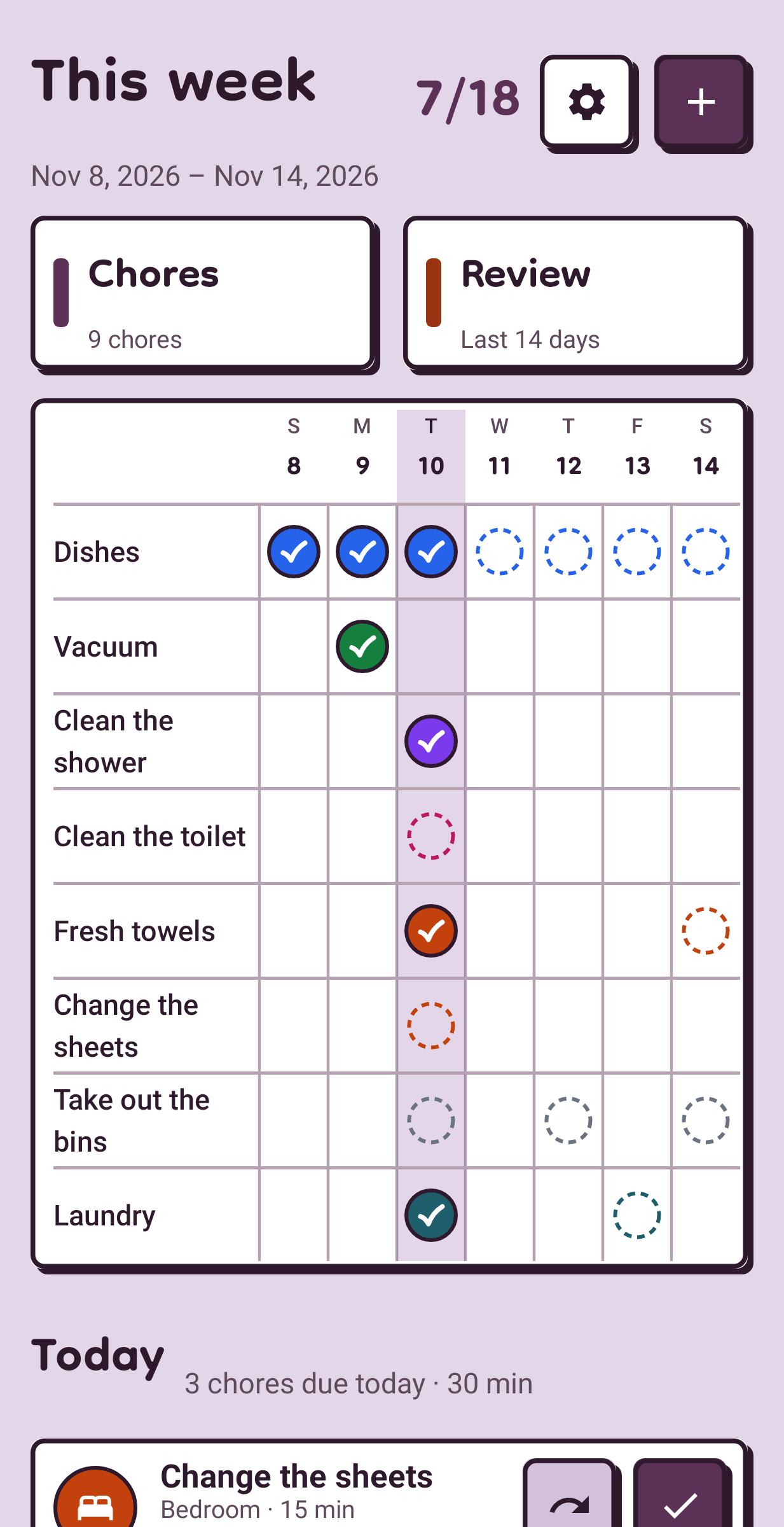
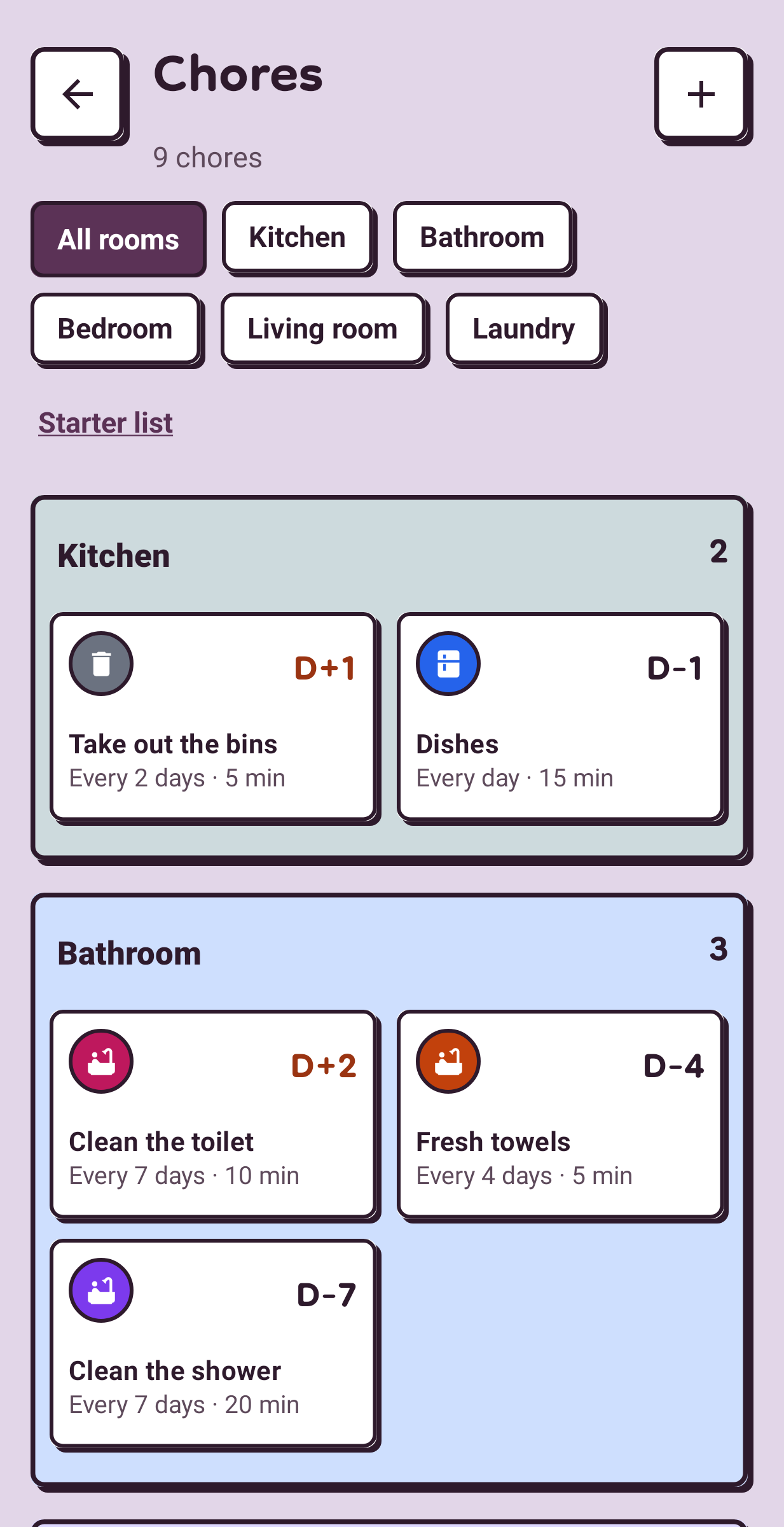
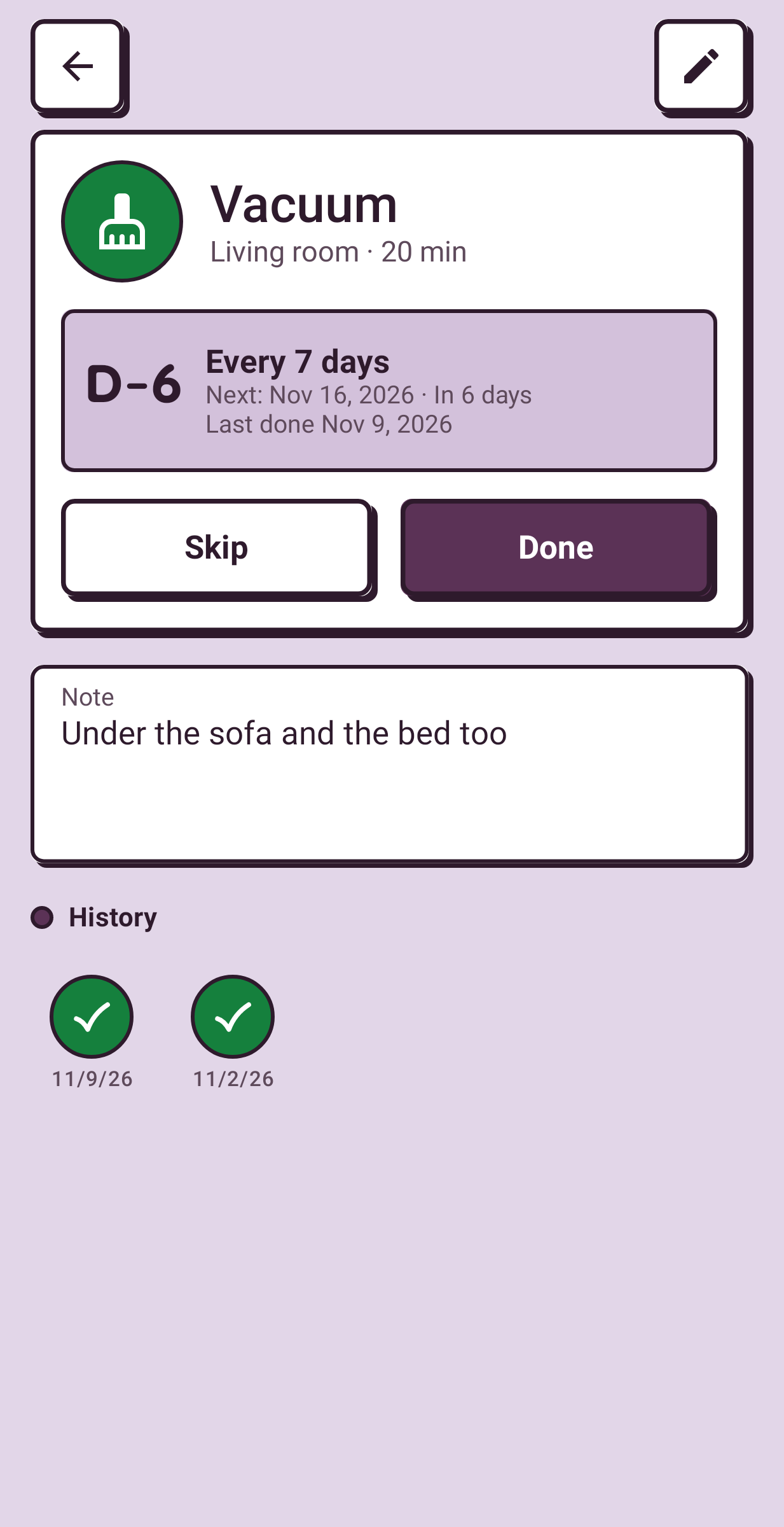
Domus keeps the chore schedule for one home. Each chore has its own cycle, and the Today tab shows only what is due now, with the next seven days underneath. Every part of it, from setting a cycle to the whole home's schedule, is open without a subscription.
Starting out
Pick from about thirty common chores that come with cycles already set, such as dishes every day, sheets every week and the oven every three months. Keep the ones your home has and add your own with a name, a room, an icon and a colour. A cycle is every N days or fixed weekdays, and you can note roughly how long a chore takes.
Doing it
On Today, swipe right to mark a chore done and left to skip it. A skip moves the next date a full cycle on, so the same chore isn't back tomorrow. Overdue chores are listed there too.
The Chores tab
Everything grouped by room, each with a D-day badge. Open a chore for its cycle, a note and its history, where any entry can be undone. A room filter narrows the list to the kitchen or the bathroom.
The Review tab
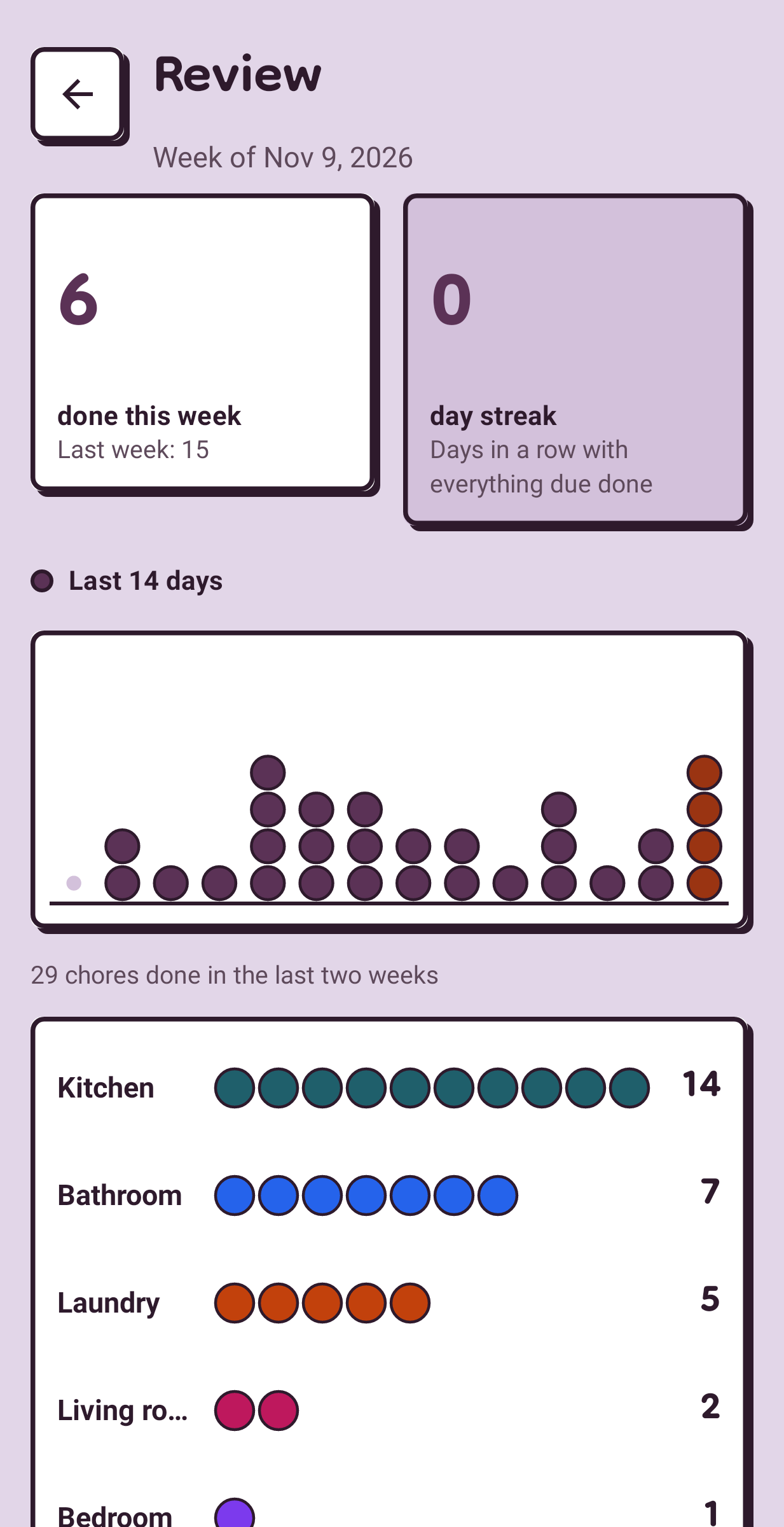
It counts what you finished this week and keeps a streak of days on which every due chore was done or skipped. A home-screen widget lists today's chores with a check for each.
Reminders, and what stays on the phone
One notification a day says how many chores are waiting, or you can have one per chore. They use Android's ordinary inexact alarms, which is why Domus never asks for the exact-alarm permission. I kept Domus to one person and one home on purpose, so there is no sharing, no sync and no account. It is free, with no in-app purchases or ads, no internet permission and no analytics. JSON backup and restore and CSV export are included.