
Cassetto: Home Inventory
Search "charger" and see Study › Desk › Grey box. Rooms, shelves and boxes.
Join the tester group first, then opt in and install the app from Google Play.
Screenshots
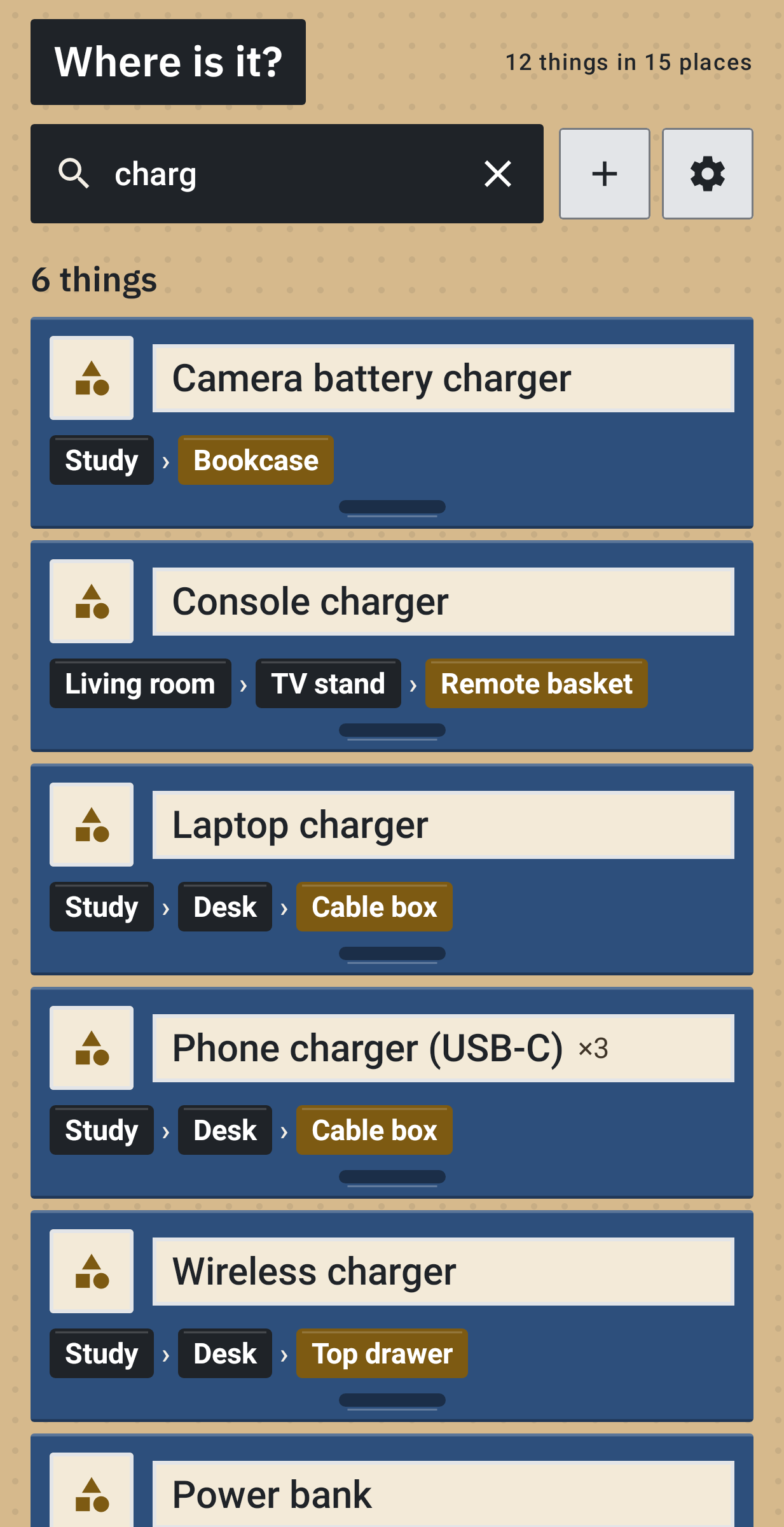
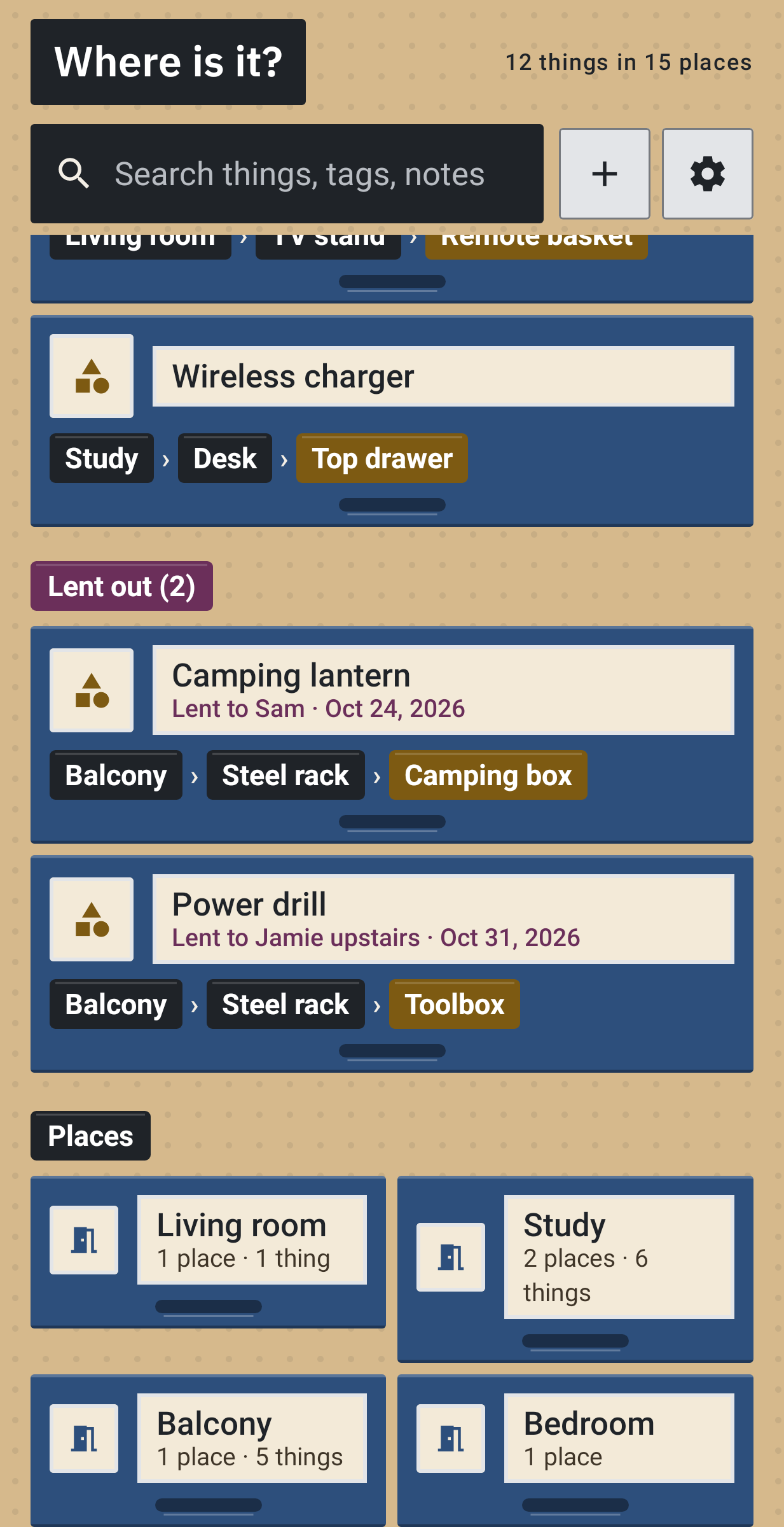
Cassetto (Italian for "drawer") opens on a search box. Type a word from a thing's name, a tag, a note or the name of whoever borrowed it, and the answer reads like Bedroom › Wardrobe › Blue box. Under the box are the things you looked up lately and everything that is lent out.
Three levels of places
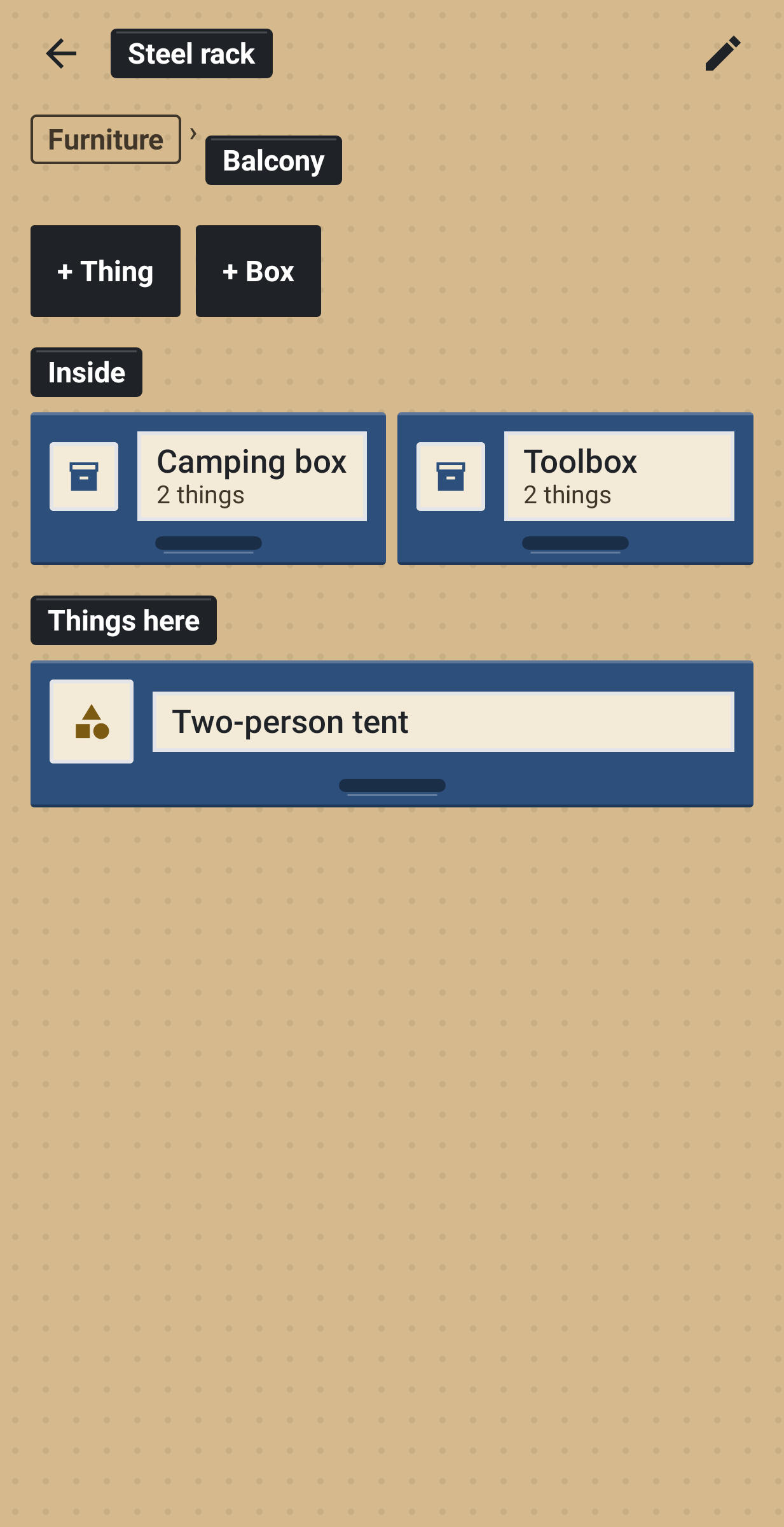
Rooms, then the furniture and storage in each room, then the boxes inside. Each level can have a photo. On the first run you pick your rooms from a ready-made list, so the house is set up in a minute. Move a box to another shelf and its contents go with it. Delete a box and the things in it stay on the shelf.
A thing
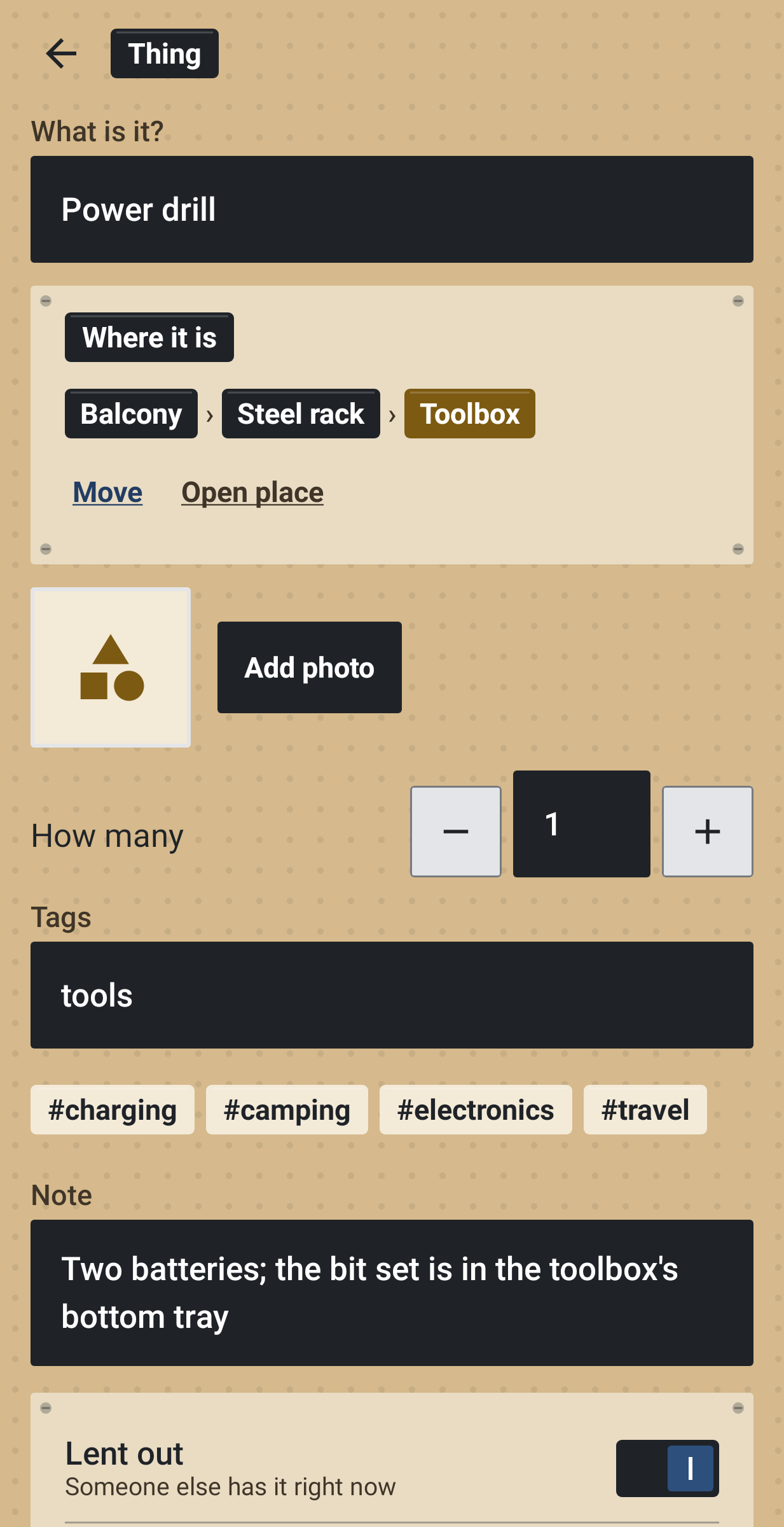
A name, where it is, how many, a photo, tags and a note such as "behind the towels, in the red pouch". If you lend it out, add who has it and since when.
Where this helps
Winter clothes in the attic, cables in the study, camping gear in the garage, the spare keys you hid too well. Put it away once and the search finds it later.
Backup and lists
One ZIP backup holds every place, thing and photo, and a restore to the wrong file can be undone. CSV export is handy for a spreadsheet or an insurance list.
Made by Louis
I wanted a home inventory that never needs a connection, so Cassetto asks for no permissions at all, internet and camera included. Photos come in through the system photo picker and are copied into the app. There are no ads, no account and no analytics, the app is free and there is no limit on the number of things. Nothing is sold inside it.